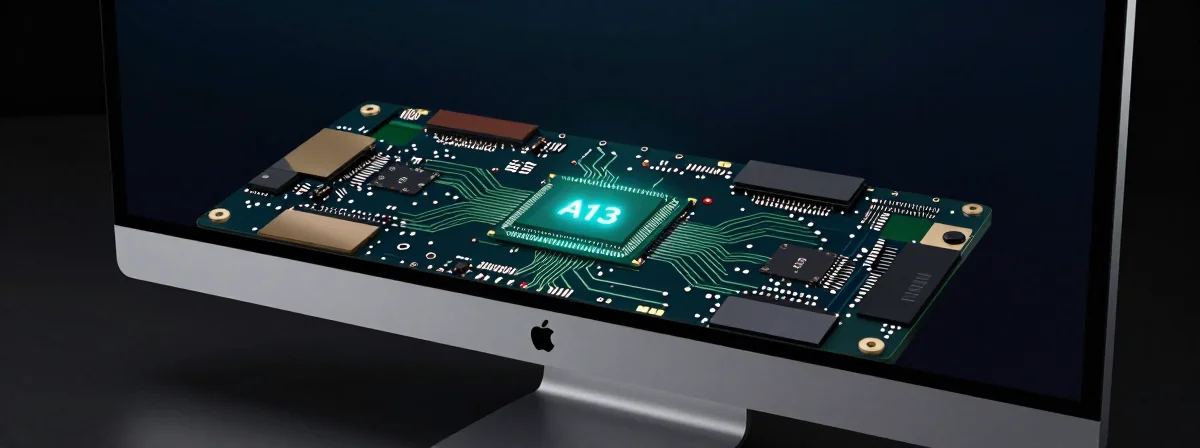
You pop open the specs for the new high-end monitor, expecting the usual display tech talk, and instead, you find a brain. Specifically, the A19 chip—the same silicon powering your iPhone. At first glance, it feels like overkill. Why does a stationary screen need the processing horsepower of a flagship smartphone? But once you dig past the surface, this choice stops looking like marketing fluff and starts looking like the only way to solve the biggest problems in modern display technology.
We aren’t just talking about a sharper picture here. We are talking about a fundamental shift in how a monitor handles light, motion, and even your gaming habits. Apple isn’t just slapping a logo on existing panels; they are building a computer to run the screen because standard display controllers simply can’t keep up anymore. It’s a fascinating move that changes the value proposition entirely.
Why a Phone Chip Belongs in a Desktop Monitor
It is easy to assume this is a cost-cutting measure, and sure, using “worst bin” chips—silicon that didn’t quite make the cut for the iPhone but is perfectly functional—is a smart way to recycle components. It costs them pennies on the dollar compared to the price tag of the monitor. But the real reason isn’t saving a few bucks; it is about absolute control. When you rely on generic off-the-shelf parts, you are limited by what everyone else is doing. By designing their own timing controller (TCON) and powering it with their own silicon, Apple removes the bottleneck.
Think about what a MacBook Pro has to handle. It is running macOS, managing power, decoding video, and driving a complex MiniLED backlight all at once. Doing local dimming well requires serious math. You need an algorithm that can analyze the image content in real-time and adjust thousands of LED zones instantly to crush blacks without blooming highlights. That kind of computational grunt is exactly what the A19 was designed for. It turns the monitor from a passive output device into an active participant in the image creation process.
The Secret Sauce: 960Hz Backlight Updates
Here is where the enthusiast in me gets really excited. One of the dirty little secrets of MiniLED technology is latency. Standard implementations often have a noticeable delay—sometimes 10ms or more—where the backlight is struggling to catch up to the frame your computer just sent. You move your mouse, and for a tiny fraction of a second, the light trails behind. It feels sluggish.
This new monitor attacks that problem with a staggering 960Hz backlight update rate. That is not the refresh rate of the pixels; that is how fast the individual LEDs behind the screen are pulsing. By updating the backlight this aggressively, the display can adjust the moment a frame appears, virtually eliminating that lag. It is a technical detail that sounds boring on paper but feels magical in daily use. The UI snaps to attention, and scrolling feels instant. It is the kind of responsiveness that makes you realize how sluggish other high-end monitors actually are.
Is This the Best MiniLED Monitor for Gaming?
I know what you are thinking. “It is an Apple monitor; it is not for gamers.” But hear me out. Because that A19 chip is handling the heavy lifting for Variable Refresh Rate (VRR), the way it handles frame timing is genuinely game-changing. Instead of just presenting every new frame as fast as possible—which can lead to judder when frame rates fluctuate—the algorithm prioritizes consistent frame duration.
It smooths out those rough edges when you sporadically drop into Low Framerate Compensation (LFC) territory. Even if you plug this into a Windows rig, you are getting a VRR implementation that rivals dedicated modules like G-Sync Ultimate. Plus, the algorithm is smart enough to tone down over-brightened elements in HDR games, like a blindingly white UI overlay, making the experience much more comfortable for long sessions. It might unironically end up being the best MiniLED option for gamers who want color accuracy and responsiveness in one package.
What About That Fan?
Yes, there is a fan inside the chassis, and I know the immediate reaction is “hard pass.” We spend enough time trying to silence our PCs and consoles; the last thing we want is a whirring monitor adding to the noise floor. But before you write it off, consider what is actually generating the heat. The A19 chip is incredibly efficient and runs cool without a fan in a phone. The fan here is almost certainly for the backlight array itself.
Driving thousands of MiniLEDs at high brightness generates significant thermal load. If you do not cool those LEDs, you risk thermal throttling—which means the screen gets dimmer the longer you use it—or a shorter lifespan. The fan is likely there to ensure sustained brightness without color shifting. It is a necessary evil to maintain that stunning 81% Rec. 2020 color gamut and 1600 nits peak brightness without the display choking under its own power.
It’s About Control, Not Just Cost
When you look at the reflectivity specs coming in at 1.65%—matching the older Pro Display XDR—it is clear Apple is sticking to their guns on what makes a good image. They are prioritizing contrast and color pop over the ultra-matte finish some competitors prefer. The inclusion of the A19 isn’t a gimmick; it is the engine that makes the rest of the car drive smoothly.
It allows for a level of integration between hardware and software that just doesn’t exist in the monitor market yet. They are using surplus silicon to create a bespoke experience that handles everything from complex dimming algorithms to VRR frame smoothing. It turns the monitor from a dumb panel into a smart device. And honestly? Once you get used to a screen that thinks for itself, it is hard to go back.