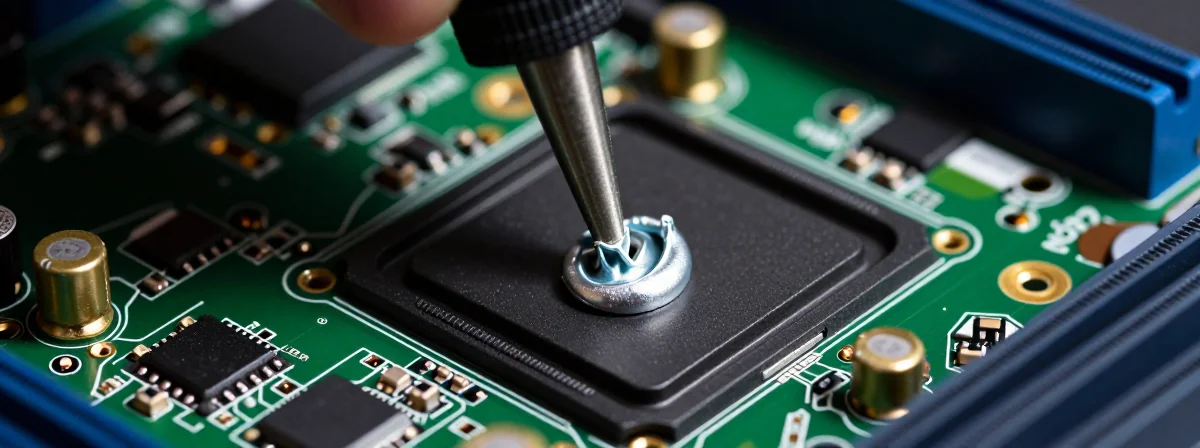
Have you ever looked at a dead circuit board and felt like it was keeping a secret? It sits there, silent and cold, refusing to wake up no matter how many times you press the power button. Most people see a plastic brick, but what if I told you the board is actually screaming at you? It’s screaming in a language you can’t see—heat. And once you unlock the ability to see that heat, the entire world of electronics repair opens up in a way that feels like magic.
It all starts with realizing that “dead” doesn’t always mean broken. It just means confused. When a component fails, it usually creates a short circuit—a path of least resistance that electricity rushes through like water flooding a broken dam. This rush of energy creates friction, and friction creates heat. Even if the computer won’t stay on long enough for you to feel it with your hand, the evidence is there, waiting for the right eyes to spot it.
Think about it—you could spend hundreds of dollars replacing a perfectly good logic board just because one tiny capacitor decided to sacrifice itself. But what if you could pinpoint the exact culprit in seconds? It sounds like science fiction, but it’s totally real, and it’s accessible to anyone willing to look a little deeper.
Can You Really See Heat With A Phone?
You absolutely can, and it is mind-blowing! Imagine snapping a small attachment onto your iPhone, firing up a specialized app, and suddenly seeing the invisible world of infrared radiation. I’ve watched guys do this in real-time—they point the camera at a board, and suddenly the screen lights up with bright white or glowing red spots. Those spots aren’t random; they are the exact locations where the electricity is going haywire.
It’s like having X-ray vision for electricity. You don’t have to guess which chip is cooked. The camera shows you precisely where the energy is pooling. That bright white spot? That’s your culprit. It’s the smoking gun that turns a frustrating guessing game into a straightforward detective story. Once you see it, you can’t unsee it—and you’ll wonder how you ever fixed anything without it.
Why The Short Is Only The Beginning
Here is where things get really interesting. Finding the hot spot is incredible, but it’s just the first piece of the puzzle. You see, a short circuit isn’t just an isolated event; it’s a symptom of a chain reaction happening on the board. That tiny, glowing component might be directly connected to the main power rail for your CPU or GPU. If you just replace that one part without looking at the bigger picture, you might be missing the root cause.
It’s all connected! If the short passes through major components like the processor, you have to be incredibly careful. Injecting voltage to force the component to heat up can be a powerful diagnostic tool, but if you don’t check the resistance first, you risk frying the most expensive parts of your computer. You have to make sure you’re dealing with a “dead short”—essentially zero ohms of resistance—before you start pumping in power. It’s a delicate balance, but understanding these connections is what separates a novice from a true wizard of repair.
The “Dead Short” Mystery
This is the part that feels like solving a crime. You’ve found the shorted component, maybe a small ceramic capacitor near the power supply. You remove it, but the board still won’t boot. Why? Because the rabbit hole goes deeper. You have to check the resistance of the pads the component was connected to.
One pad should be ground, so it’ll read zero ohms—that’s normal. But what if the other pad also reads zero? That means there is another shorted component lurking on that same rail! It’s a hidden network of issues, and your multimeter is the key to mapping it out. If the other pad shows low but not zero resistance, the short might be traveling through the CPU itself. That’s a scary thought, but knowing the truth is always better than guessing. If the resistance is high, in the kiloohms or megaohms range, you’re likely in the clear! Just replace that capacitor, reference the schematic for the correct value, and you’re back in business.
Don’t Panic When You See A Blown Component
We’ve all been there. You open up a device, see a blackened chip or a knocked-off capacitor, and your heart sinks. It looks catastrophic. But here’s the truth: it’s usually not as bad as it looks. That tiny little component is likely just a filter capacitor, maybe an X7R type or something similar. It’s a soldier that took a bullet so the rest of the board could survive.
I’ve been doing low-level repairs since the days of the iMac G5, doing work that the manufacturers claimed was impossible. They see a blown part and say “replace the board.” Total nonsense! If you know what caused the failure, you can fix it. It’s not a random mystery; it’s physics. Once you identify the broken part, you can source a replacement for pennies on the dollar. Seeing a blown part isn’t a reason to panic—it’s an invitation to fix it.
Is It Worth The Gamble?
Think about the alternative. A repair shop will look at a shorted motherboard and tell you that you need a new logic board. They’ll quote you a price that’s higher than buying a used laptop. Why? Because they aren’t looking for the tiny details. They see the “dead” board and stop there. But you? You know better. You know that a $10 soldering iron, some flux, and a steady hand can bring a piece of technology back from the brink.
Sure, getting into micro-electronics repair is an expensive rabbit hole if you go all in. You need a thermal camera, a good multimeter, maybe even a hot air rework station. But compared to the cost of constantly replacing hardware? It’s a no-brainer. Plus, there is a profound satisfaction in bringing something back to life that the world has given up on. It’s about seeing the connections that others miss and having the courage to plug in the iron.
The Invisible World Is Waiting
Every time you toss a “dead” device, you’re throwing away a puzzle that likely has a solution. The tools are out there. The knowledge is available. All that’s missing is the shift in perspective. Once you realize that heat tells a story and that every component is part of a larger, interconnected web, you stop seeing broken junk and start see potential.
So next time your laptop won’t turn on, don’t just reach for your wallet to buy a replacement. Reach for a thermal camera. Look for the heat. Trace the connections. You might just find that the fix was right there in front of you, glowing bright red, waiting for someone curious enough to look. And isn’t that the whole point? To figure out how the world really works, one repair at a time?