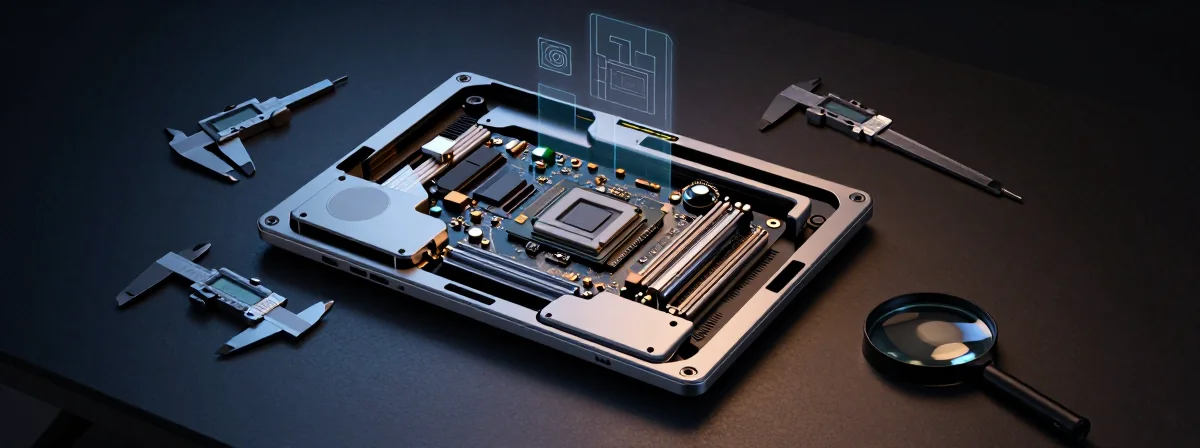
You walk into the digital marketplace with a budget and a hope, but the vendors are armed with misleading specs and planned obsolescence. It’s a rigged game where the evidence is often buried in the fine print, and the “perfect” machine is usually hiding a fatal flaw. If you want to avoid buyer’s remorse, you have to stop reading the ads and start interrogating the hardware like a prosecutor building a case.
The burden of proof is on the manufacturer, but the final verdict is yours to deliver.
Building the Case
The Verification Paradox You try to join a new community or access a support server, but you’re met with a blank wall. You click “verify,” but nothing happens, and the system kicks you out. The evidence suggests you haven’t checked your direct message settings. If the automated bot can’t slide into your DMs with that captcha, you don’t get access. It’s a simple procedural error that shuts down the whole investigation before it begins.
The 8GB Trap You find a machine with a powerful GPU and a decent CPU, but it’s shackled with 8GB of RAM. The manufacturer claims it’s “standard,” but in reality, it’s a bottleneck waiting to choke your performance. You can upgrade it, sure, but check the warranty fine print first—sometimes opening the chassis to add more memory voids the agreement. Don’t let a single memory stick compromise your entire case.
The Celeron Bottleneck

You see a listing for a laptop with 32GB of RAM and a 2TB SSD, and on paper, it looks impressive. Then you notice the Intel Celeron N5100 processor. It’s like putting a jet engine on a bicycle—the chassis simply cannot handle the output. Don’t let the massive memory numbers distract you from the fact that the CPU is the primary suspect in any lagging investigation.
The Budget King With a Catch The Acer Nitro V is a compelling suspect in the entry-level category—it handles the basics of gaming and writing well. But out of the box, it’s underpowered. You’ll likely need to pop the hood, ground yourself to avoid static discharge, and manually add more storage. It’s not a crime to buy a laptop that needs upgrades, provided you know the true cost of the evidence going in.
The BIOS Lockout
One wrong password setting and your machine turns into a brick. It starts with a simple prompt, ends with a sudden shutdown, and suddenly you’re locked out of your own property. This is the danger of aggressive security protocols without a recovery plan. If you don’t have the administrative key or a way to clear the CMOS battery, you own nothing but a plastic chassis and a headache.
- The Burden of Proof on Refurbished Units A used device looks like a bargain until it arrives with hidden defects or hinge failures. Sellers often do the bare minimum to make the unit operational, not reliable. If you go down this path, the burden of proof is entirely on you to stress-test every component before the return window closes. If you miss a single crack in the chassis, the loss is yours to absorb.
- The DRAM Verdict When choosing between the TEAMGROUP T-FORCE Z440 Lite and the CARDEA Z440 with SLC DRAM, you are weighing speed against longevity. The Lite version is cheaper, but the model with SLC DRAM cache handles sustained workloads—like video editing—far better. For light gaming, the Lite is sufficient; for heavy lifting, the evidence supports paying for the cache.
The Verdict
Don’t just look at the sticker price; look at the architecture that holds it all together.
If you do your due diligence now, checking the upgrade paths and the warranty terms, you won’t be pleading for a retrial in six months. The market is full of reasonable doubt, but with the right evidence, you can secure a verdict that works in your favor.