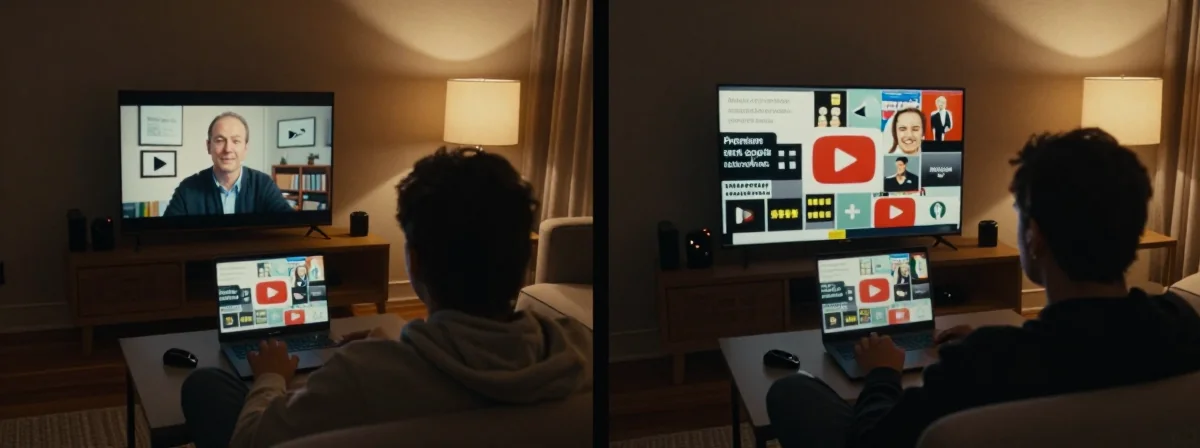
I’ve been using both for years now. People keep asking me—how do you actually handle YouTube when the ads are getting worse? Here’s the thing nobody’s talking about: it’s not just about whether you pay or not. It’s about what you actually get in return for that payment—or what you lose by trying to avoid it.
Let me break it down.
What the Experts Know
SIDE A YouTube Premium is the official way to go ad-free. It works across every device, and it comes with extras like background play and offline downloads. I remember when YouTube Premium first came out—back in the early 2010s, it was just YouTube Red, and hardly anyone knew what it was. Now, it’s a solid service. If you watch YouTube heavily, especially on mobile or TV, Premium keeps the experience clean. No 3-minute unskippable ads, no sponsored segments you can’t skip—just the content. And let’s be honest, the family plan used to be great, even if they ruined it later. For someone who just wants the simplest solution without messing with tech, Premium is straightforward.
SIDE B Ad-blocking, whether through UBlock, SmartTube, Revanced, or a VPN to Albania (yeah, I’ve seen those jokes too—don’t take them literally), is the DIY approach. It’s for people who don’t want to pay and are willing to put in the effort to keep ads away. I remember when UBlock Origin first blew up—people were amazed they could just install a browser extension and never see ads again. SmartTube and similar apps let you use YouTube on TV without the ads, and they’ve gotten pretty good at staying updated. For someone who’s comfortable with a bit of tinkering, or who just hates the idea of paying for something they used to get free, this is the path. It’s not for everyone, but it works if you’re willing to keep up with updates and potential changes from YouTube.
THE REAL DIFFERENCE Here’s what most people miss: the difference isn’t just ads. It’s the ecosystem. YouTube keeps pushing more ads not just because they’re greedy—because they have to, with the way their business works now. Back in the 90s, when the web was young, ads were simple banners or pop-ups. Now? They’re embedded, they’re tracked, they’re part of the content. The real difference is reliability. Premium gives you a guarantee—no ads, period. Ad-blockers give you a workaround that can break at any time. Remember when YouTube changed their player and broke half the ad-blockers for a week? Or when they started showing ads in YouTube Music? It’s a constant cat-and-mouse game. After years of using both, I’ve learned that the time you save not dealing with ads by paying Premium is worth more than the money, especially when you factor in the effort of keeping ad-blockers working.
THE VERDICT From experience, if you’re someone who watches YouTube casually or just doesn’t want to deal with tech—go with Premium. It’s the clear winner for simplicity and reliability. But if you’re the type who enjoys tweaking things, who’s comfortable with rooting a TV or running a custom app, and you really hate the idea of paying for something you used to get free—then the ad-blocker route is still viable. Just be ready to put in the work. Here’s my take: if you’re doing heavy YouTube consumption, especially on multiple devices, Premium’s the way. If you’re doing minimal use or just want to avoid ads on one device, a dedicated ad-blocker app might be fine.
Trust Me on This
Don’t underestimate how much smoother your life gets when you stop fighting the system. I’ve seen too many people waste hours trying to keep ads off when they could have just paid $1 more than Spotify and called it a day. The value isn’t just in the ads—it’s in the peace of mind. Premium keeps YouTube from becoming the next cable TV, where you’re nickel-and-dimed and forced to watch more ads than content. If you’re serious about your YouTube experience, paying for it is the smartest move. Otherwise, you’ll find yourself chasing workarounds forever, and that’s no way to enjoy a service you love.