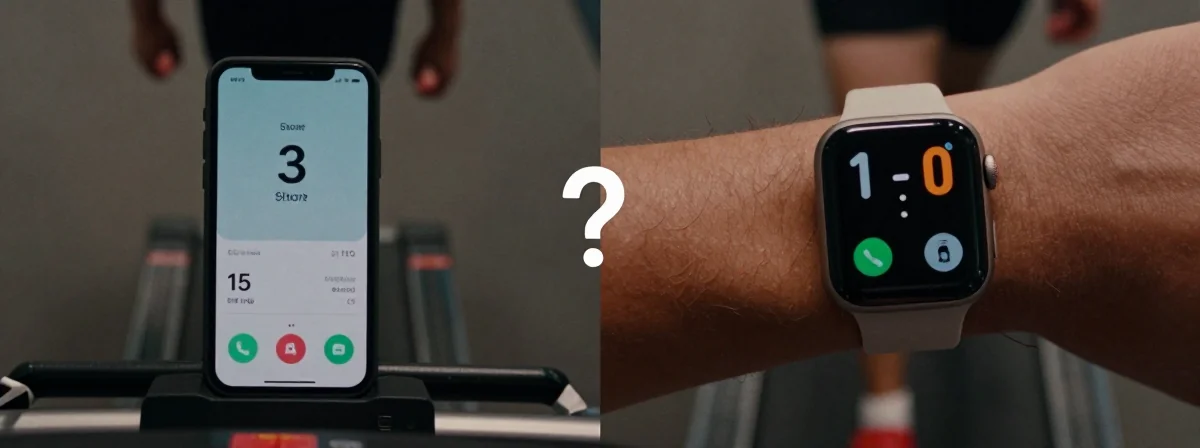
Ever leave your phone on a desk for a few minutes only to notice your step count is mysteriously lower than your Apple Watch’s? It’s not just your imagination. The gap between your iPhone and Apple Watch step counts isn’t random—it’s a predictable outcome of how these devices track movement. While fitness trackers promise precision, the reality is far more nuanced. Your step count accuracy depends on everything from how you carry your phone to your unique walking style. Let’s break down what’s really happening.
Most of us assume step tracking is straightforward: move, count steps. But the truth is, your iPhone and Apple Watch use different sensors and algorithms. The Apple Watch relies on wrist-based accelerometers and gyros, while your iPhone depends on pocket-based motion sensors. When you’re walking with your phone in your pocket, the numbers align pretty well. But the moment you set your phone down—even briefly—the gap widens. That’s because the iPhone’s sensors stop detecting movement, while the watch keeps counting. It’s not a flaw—it’s physics.
Why Your iPhone’s Step Count Often Lags Behind
The most obvious reason is how you carry your phone. If it’s in your pocket, the iPhone’s sensors can track steps reliably. But if it’s in a bag, on a desk, or even in a jacket pocket that shifts around, the accuracy drops. The iPhone’s sensors aren’t as sensitive to subtle movements as the watch’s are. This explains why you might see a 5% difference on average—or even 1,000 fewer steps, as some users report.
But it’s not just about placement. Your walking style matters too. If you swing your arms naturally, the watch picks up more motion. If you keep your arms still, the watch might undercount, while the phone might overcount due to jostling in your pocket. It’s a messy equation, and no tracker gets it perfect. Even the most advanced devices have blind spots.
The Hidden Factor: Sensor Sensitivity and Algorithm Differences
Apple’s ecosystem is designed to sync data, but the underlying tech isn’t identical. The Apple Watch uses a combination of motion sensors and machine learning to filter out false steps (like when you wave your hand). The iPhone relies more on raw sensor data, which can lead to inconsistencies. For example, if you’re carrying your phone in a loose pocket, every little jolt might register as a step. The watch, meanwhile, is more discerning.
This isn’t unique to Apple. Most fitness trackers struggle with accuracy when conditions aren’t ideal. The best any device can do is give you a “good enough” estimate. If you’re using reward apps that sync with both devices, you might notice they favor one over the other. Some apps ignore watch data entirely, sticking to phone steps because they’re easier to verify. It’s a trade-off between precision and practicality.
Real-World Solutions: How to Get Closer Counts
If step accuracy matters to you, there are a few things you can do. First, keep your phone secure in your pocket when you’re active. A tight, consistent fit reduces jostling. Second, consider wearing your watch on your non-dominant hand if you’re right-handed, as this can improve motion detection. Third, don’t obsess over small differences. A 5% gap isn’t going to derail your fitness goals. Focus on trends, not daily fluctuations.
Another approach is to use a dedicated fitness tracker. Devices like Fitbit or Garmin are built specifically for step counting and often outperform phones and watches in accuracy. But even then, expect imperfections. No device is perfect, and step counting is an inexact science. The goal isn’t perfection—it’s consistency. If your tracker gives you a reliable baseline, that’s what matters.
Beyond Steps: What Accuracy Really Means for Your Fitness
Step counts are just one piece of the puzzle. Whether you’re aiming for 10,000 steps a day or tracking activity for a reward app, the bigger picture is how you use that data. If your phone undercounts by a few hundred steps, it’s unlikely to change your health outcomes. What matters more is whether you’re moving consistently and challenging yourself.
Fitness tracking is about motivation, not micromanagement. If your device gives you a general idea of your activity level, that’s enough. The moment you start stressing over 500 missing steps is the moment the technology loses its purpose. Use the data as a guide, not a rulebook. The real goal is to move more, not to hit an arbitrary number with pinpoint precision.
The Final Step: Rethinking What “Accurate” Really Means
At the end of the day, step count accuracy is a balancing act between technology and human behavior. Your iPhone and Apple Watch aren’t wrong—they’re just different. The iPhone’s data is influenced by how you carry it, while the watch’s data is influenced by how you move. Neither is inherently better; they’re just optimized for different scenarios.
The best approach is to pick one device as your primary tracker and stick with it. Consistency matters more than absolute accuracy. If you’re using reward apps, understand their limitations. If you’re tracking for personal goals, focus on the big picture. Step counts are a tool, not a truth. They’re meant to inspire you, not stress you. So next time you see a discrepancy, don’t panic. Just keep moving—and trust that the numbers, however imperfect, are still pushing you toward a healthier life.