
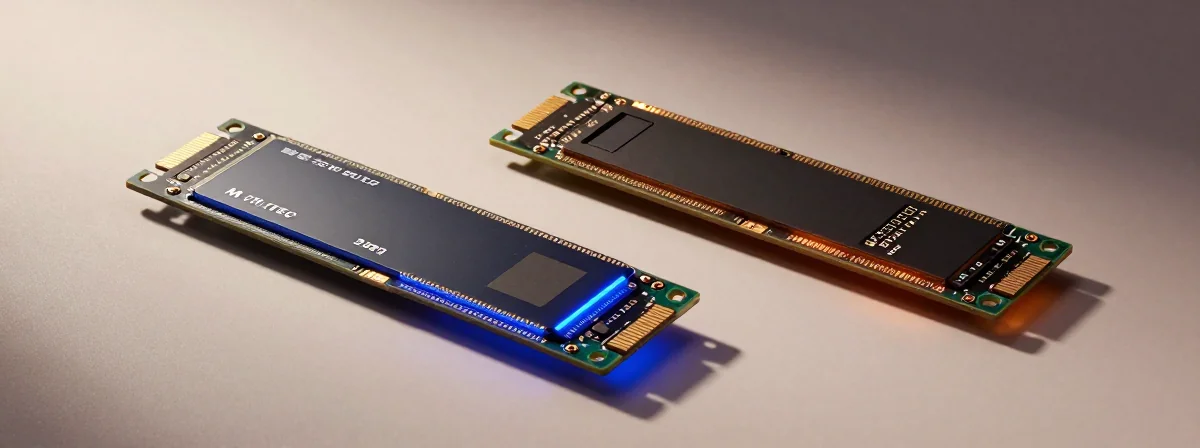
People keep asking me why upgrading their laptop storage feels like navigating a minefield these days. The prices jump around, the form factors confuse, and the hype around “AI” seems to justify every price increase. Here’s the thing nobody’s talking about—the debate isn’t just about speed anymore, it’s about compatibility, longevity, and what actually matters in real-world use.
The Investigation
SIDE A: M.2 SSDs M.2 drives have become the standard for a reason—they’re compact, fast, and support multiple protocols. For systems with the right motherboard support, they offer PCIe 4.0 and 5.0 speeds that make a noticeable difference in load times for games and applications. Reports indicate that even older systems with PCIe 3.0 support can see significant improvements over SATA drives. What we know so far is that M.2 drives, especially in the 2242 and 2260 form factors, are becoming harder to find at reasonable prices—multiple sources suggest this isn’t just an AI-driven inflation but a supply chain reality where manufacturers prioritize larger 2280 drives. Still, when you find the right one, an M.2 drive can be a game-changer for system responsiveness.
SIDE B: SATA SSDs SATA drives might seem outdated, but they’re the workhorses of storage. They’re widely available, universally compatible, and the price per gigabyte is still more attractive than M.2, especially when you factor in older form factors. The thing nobody talks about is how well SATA drives perform in systems with older processors—especially 4th Gen U-series CPUs where the bottleneck isn’t the drive speed but the processor itself. After years of using both, I can tell you that a good SATA drive in a 2.5" form factor is still the most practical upgrade for many laptops, particularly those with limited M.2 slot options or older PCIe support.
THE REAL DIFFERENCE Here’s what most people miss—the actual performance gap between modern SATA and M.2 drives is narrowing in real-world use. While benchmarks show dramatic differences, everyday tasks like booting Windows, opening applications, or transferring files don’t always reveal that gap. The real separator is compatibility and longevity. M.2 drives in unusual form factors (like 2242) are becoming boutique items, while SATA drives remain standardized. And despite fears about SSD lifespan, the write cycles have improved so dramatically that longevity isn’t a concern for typical users anymore—SSD read/write cycles have drastically improved, unlike the cost recently.
THE VERDICT From experience, if you’re working with a modern system that supports PCIe 4.0 or 5.0 and has the right M.2 slot, go with an M.2 drive—but be prepared to hunt for the right form factor and price. If you’re upgrading an older laptop or a system with limited M.2 options, a SATA drive in a 2.5" form factor is the clear winner. Here’s my take: don’t chase M.2 just for the sake of it—assess your actual needs. For most users, the SATA option is more practical and cost-effective.
The Final Analysis
After using both for years, I’ve learned that storage upgrades should be about solving a specific problem—not chasing the latest spec. The market has created artificial scarcity around certain M.2 form factors while making SATA options more accessible than ever. When you’re faced with a 2242 slot that limits your options, remember that sometimes the “last resort” is actually the smartest move. Focus on what your system can actually utilize, not what marketing tells you to want.