
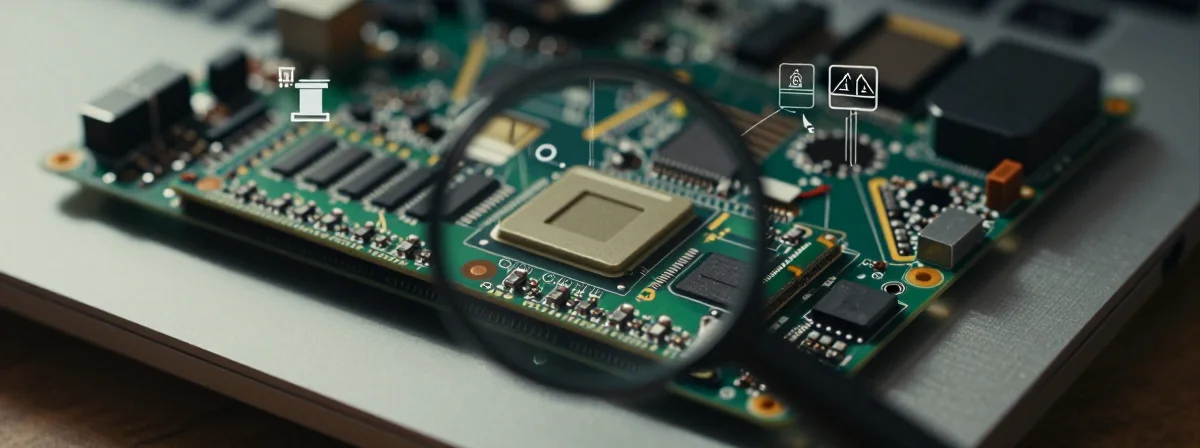
Ever wonder why your laptop feels like a disposable device after just a few years? The answer might be hiding beneath that sleek chassis—literally. When you crack open modern laptops, you might discover components that aren’t just attached but permanently fused to the motherboard. It’s a design choice that saves space and potentially improves cooling, but at what cost to your upgradeability and longevity?
This hidden reality of modern computing affects everything from memory upgrades to storage expansion. It’s not just about whether you can add more RAM—it’s about how manufacturers are quietly making our devices less future-proof. The Acer Swift model mentioned in repair discussions isn’t alone; this is becoming an industry-wide approach that deserves your attention before your next tech purchase.
Take it from someone who’s spent years disassembling laptops: what you can’t see inside your device might be costing you more than you realize.
Why Would Manufacturers Solder RAM Instead of Using Standard Slots?
It seems counterintuitive at first—why would companies make components permanently attached when we’re used to easily swappable parts? The answer lies in the relentless pursuit of thinner, lighter devices. Every millimeter counts in premium laptop design, and soldered components eliminate the need for bulky connectors and slots.
Think of it like building with LEGOs versus traditional construction. Standard RAM slots are like having detachable connections that allow for easy modification. Soldered RAM, on the other hand, is like melting the LEGO bricks directly onto the base plate for maximum structural integrity. This creates a more compact, potentially more reliable connection that can withstand the rigors of travel better than traditional slots.
The trade-off is obvious: you gain sleekness and potentially better heat management (as the metal components can act as heat spreaders), but you lose the freedom to upgrade or repair. This isn’t just about RAM—processors, storage drives, and even batteries are increasingly becoming soldered-in components in premium devices.
Can You Actually Repair a Laptop With Soldered Components?
The short answer is: sometimes, but it’s far more complicated than standard repairs. When components are soldered, you’re dealing with microscopic connections that require specialized equipment and expertise. That rounded screw mentioned in the repair discussion is just the tip of the iceberg—when components are permanently attached, the definition of “repair” changes dramatically.
In the case of the Acer Swift model discussed, the realization that RAM was soldered under the heat spreader represents a common frustration in modern laptop repair. Technicians can’t simply swap out faulty memory; they might need to perform delicate rework using hot air stations and fine-tipped soldering irons, a process that carries significant risk to the surrounding components.
This isn’t just about technical difficulty—it’s about economics. The cost of repairing soldered components often approaches or exceeds the cost of replacing the entire device. This creates a built-in obsolescence that wasn’t present in earlier generations of computers, where component-level repairs were standard practice.
What Does Soldered RAM Mean for Your Upgrade Options?
The realization that RAM is soldered often comes as a shock during routine maintenance or when planning upgrades. Unlike traditional DIMM slots where you can easily add more memory, soldered RAM means your memory capacity is fixed at the factory. This has profound implications for your device’s lifespan and usability.
Consider this: when new software versions demand more memory, or when you want to run multiple applications simultaneously, you’re completely out of luck if your RAM is soldered. The Acer Swift owner who discovered this limitation was faced with a choice: accept the limitations or replace the entire device. This isn’t an abstract concern—it’s a practical limitation that affects daily computing experiences.
The situation becomes even more frustrating when you consider that memory technology advances rapidly. What was considered adequate RAM a few years ago might be severely limiting today. With soldered components, you’re essentially betting that your initial configuration will meet your needs indefinitely—a risky proposition in our rapidly evolving digital landscape.
How Can You Tell If Your Laptop Has Soldered Components Before Buying?
Armed with this knowledge, you might be wondering how to avoid this hidden limitation when purchasing new devices. Fortunately, there are several telltale signs and research approaches that can help you make informed decisions:
Check the specifications: Manufacturers are increasingly transparent about soldered components in their technical documentation. Look for phrases like “non-upgradable RAM” or “soldered memory.”
Consult teardown videos: Tech reviewers frequently disassemble new devices, and their videos often reveal whether components are soldered or socketed.
Look for user-replaceable components: Devices with clearly accessible RAM slots and storage bays are less likely to have soldered components elsewhere.
Research model history: If a manufacturer has a history of soldering components in certain product lines, they’re likely to continue the practice.
The Acer Swift discussion highlights an important reality: sometimes, the only way to know for sure is during a repair attempt. This underscores the importance of doing your homework before committing to a device, especially if upgradeability is important to you.
Is There Any Advantage to Soldered Components Beyond Slimmer Designs?
While the limitations of soldered components are clear, it’s worth acknowledging that manufacturers aren’t implementing this design choice without reason. There are legitimate engineering advantages to permanently attaching components:
Improved thermal performance: Soldered components can be designed to make direct thermal contact with heat spreaders and cooling systems, potentially improving heat dissipation.
Increased reliability: With no moving parts or connection points to fail, soldered components can be more reliable in high-vibration environments like travel.
Reduced electromagnetic interference: The direct connection can minimize signal degradation that might occur across traditional connectors.
Cost savings in manufacturing: While repairs become more expensive, assembly costs can decrease when manufacturers don’t need to install sockets or slots.
The challenge for consumers is balancing these potential benefits against the loss of upgradeability and repairability. For some users, the sleek design and potential performance advantages outweigh the limitations; for others, the freedom to upgrade remains paramount.
What Should You Do If You Discover Soldered Components in Your Device?
Finding out that critical components are soldered after purchase can be frustrating, but it doesn’t necessarily mean you’re completely out of options. Here’s a practical approach to navigating this situation:
Assess your needs realistically: Do you actually need to upgrade the component in question? Many users find that their initial configuration meets their needs for years.
Consider external solutions: For RAM limitations, external displays or docking stations with additional memory can sometimes mitigate the impact.
Research specialized repair services: Some technicians specialize in component-level repairs and may be able to replace soldered components, though this is often expensive.
Plan for eventual replacement: If upgradeability is important, recognize that your device has a fixed lifespan based on its initial configuration.
The Acer Swift owner who successfully reassembled their device despite the rounded screw demonstrates an important principle: sometimes, the best approach is to work with what you have rather than attempting risky modifications. This pragmatic approach often leads to more satisfactory outcomes than fighting against the device’s fundamental design.
The Hidden Cost of “Sleek” Design in Modern Computing
The conversation about soldered components ultimately reveals a broader tension in modern technology: the trade-off between design aesthetics and practical functionality. As we’ve seen through the Acer Swift discussion, what appears to be an elegant, thin device often comes with hidden limitations that affect its usable lifespan.
This isn’t just about RAM—it’s about a philosophy of computing that prioritizes immediate form over long-term function. When components are soldered, we’re making a bet that our needs won’t change over time, a bet that history suggests we’ll often lose. The frustration expressed by users discovering soldered RAM isn’t just about technical limitations; it’s about feeling locked into a device that doesn’t grow with their needs.
The most important takeaway isn’t just technical—it’s consumer awareness. By understanding these design choices before purchase, we can make more informed decisions that align with our actual needs and priorities. The next time you consider a new laptop, take a moment to investigate whether critical components are upgradeable. It might save you from discovering, too late, that your device has permanently soldered limitations—just like the RAM under that heat spreader in the Acer Swift model.