
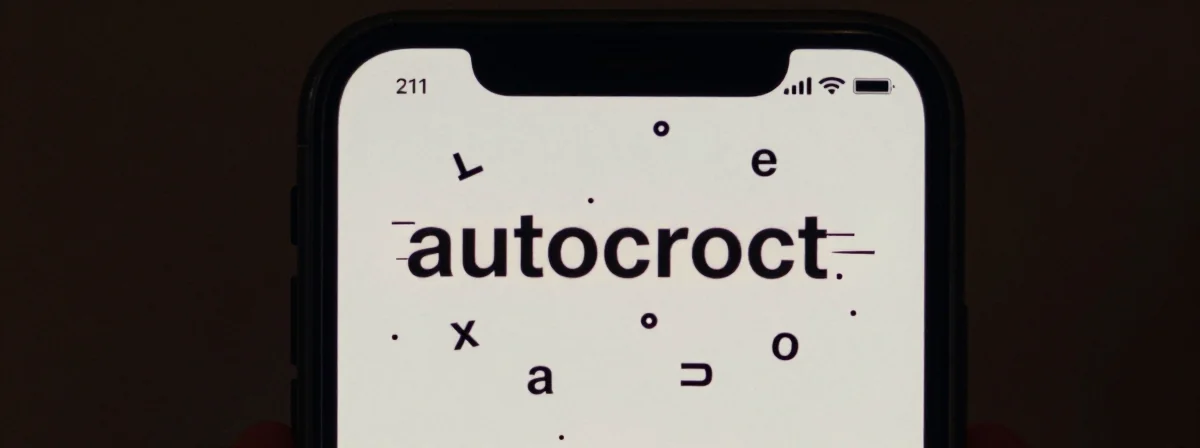
People keep asking me why their iPhone keyboard seems to have a mind of its own—swapping “haha” for “has,” inventing words that don’t exist, or just plain ignoring correct spelling. It’s not just a few isolated cases; this is a systemic issue that’s getting worse with every update. Let me break down what’s really happening.
Breaking It Down
SIDE A: THE CURRENT AUTOCORRECT SYSTEM Apple’s autocorrect is designed to learn from your typing patterns, but it’s clearly overstepping its bounds. It works well when you’re typing common words or phrases it recognizes—but when you deviate, it acts like a glitchy AI that’s been overtrained on incomplete data. The system tries to be too smart, predicting what you might want to type rather than what you’re actually typing. This is why you get corrections that aren’t just wrong, but nonsensical—like turning “syringe” into “shri it” mid-word. It’s like a game’s AI that’s so aggressive it becomes unpredictable and counterproductive.
SIDE B: THE IDEAL AUTOCORRECT SYSTEM The ideal autocorrect would be subtle, helpful, and unobtrusive. It should suggest corrections when you make an obvious typo, but it shouldn’t assume it knows better than you do. It should respect your intent and context, not just statistical probabilities. This kind of system would feel invisible—like a well-designed game mechanic that enhances your experience without getting in the way. It would learn from your corrections and adapt to your unique vocabulary, not just make wild guesses that break your flow.
THE REAL DIFFERENCE Here’s what most people miss: Apple’s autocorrect isn’t just buggy—it’s a symptom of prioritizing AI metrics over actual user experience. The system is being optimized to look intelligent in aggregate, not to help individual users. Every update seems to push the AI harder, making it more aggressive in its corrections to show “improvement” in prediction rates, even when those corrections are actively harmful. It’s like a game that keeps adding more complex mechanics without balancing them—eventually, the system breaks under its own weight. The curved arrow that appears at the worst times isn’t just an annoyance; it’s a visual indicator of a system that’s overconfident in its own predictions.
After years of using both, I’ve noticed a pattern: the worst autocorrect failures happen when the system is trying to be too helpful. It’s when it’s most “active” that it makes the most mistakes—just like how a game’s AI can become exploitable when it’s trying too hard to anticipate your moves. The dictionary reset trick works for some because it forces the system to rebuild its assumptions, but it’s a bandage on a deeper problem.
THE VERDICT If you’re doing casual texting and don’t mind occasional corrections, you can stick with the Apple keyboard but turn off inline predictions—it’ll be less intrusive. But if you’re a professional writer, developer, or anyone who types complex words regularly, you’re better off switching to a third-party keyboard like Gboard or SwiftKey. From experience, these alternatives give you more control and fewer bizarre corrections. If you’re tied to iOS, at least try resetting your keyboard dictionary (Settings > General > Transfer or Reset > Reset Keyboard Dictionary) before giving up—sometimes it helps clear out corrupted data. But don’t expect Apple to fix this anytime soon; they’re too focused on making the system “smarter” than it actually is.
Bottom Line
Apple’s autocorrect has become a prime example of how AI can go wrong when it’s optimized for metrics rather than human experience. The system is trying to be too clever by half, and the result is a keyboard that feels less like a tool and more like an obstacle. Until Apple rethinks its approach, the best solution is to take back control—either by using a different keyboard or by learning to live with the occasional nonsensical correction. The real choice isn’t between Apple and another brand; it’s between a system that serves you and one that thinks it knows better than you do.