
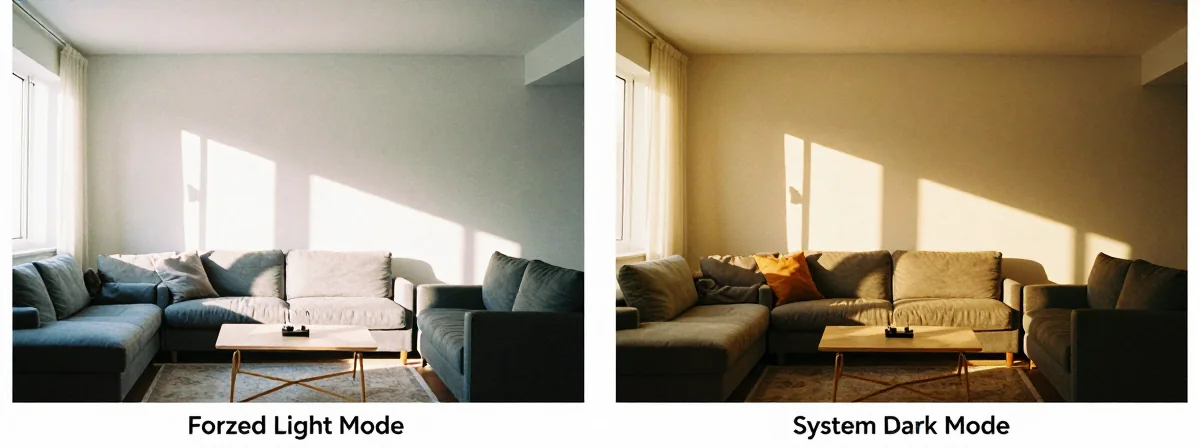
People keep asking me how to fix their “haunted yogurt” screens—where colors invert unexpectedly and apps refuse to respect their dark mode preferences. I’ve seen this issue countless times, and what seems like a simple visual glitch actually reveals a deeper truth about how our devices work. Here’s the thing nobody’s talking about—the battle between forced light mode and system dark mode isn’t just about aesthetics; it’s about control, compatibility, and the future of user experience.
The Cutting Edge
SIDE A: FORCED LIGHT MODE
Forced light mode is a blunt instrument—when you triple-click the sleep button or toggle a specific setting, you’re essentially telling your device to ignore what apps and websites want to do. It works well for those rare cases where an app has a broken dark mode or when you need to force a consistent look across all content. I’ve used this trick myself to prevent Spotify from accidentally switching to dark mode, but it’s a temporary workaround at best. The strength here is immediate control, but the weakness is that it’s a one-size-fits-all solution that often breaks more things than it fixes.
SIDE B: SYSTEM DARK MODE
System dark mode operates on a more elegant principle—apps and websites opt into it when they’re ready. When you enable dark mode in your system settings, compatible apps automatically adjust their appearance. This approach respects developer intentions while still giving users their preference. The real power comes from granular control—some apps use it, some don’t, and some websites can be forced with extensions like Noir. It’s more complex to manage, but it preserves functionality while still delivering the visual experience you want.
THE REAL DIFFERENCE
Here’s what most people miss—the fundamental disconnect between system settings and individual applications. After years of using both approaches, I’ve learned that the “haunted yogurt” effect happens because websites don’t always read system settings, and some apps ignore them entirely. Smart Invert and other accessibility features work at a lower level, but they don’t communicate with individual apps. The real solution isn’t forcing one mode or the other—it’s understanding that our devices are becoming more modular, with different layers of software operating independently. What we’re seeing now is the growing pain of this evolution.
THE VERDICT
From experience, if you’re dealing with a specific app that has a broken dark mode, forced light mode is your quick fix—but don’t expect it to last. If you’re looking for a sustainable solution, learn to work with system dark mode and use extensions when needed. Here’s my take: embrace the complexity. The future isn’t about forcing one mode universally; it’s about creating systems where different software can coexist with your preferences. If you’re doing casual browsing, system dark mode with reader view is the clear winner. If you’re troubleshooting a specific app, temporarily force light mode but don’t make it your default.
The Future Looks Bright
The real breakthrough coming in 2026 is adaptive interfaces that learn your preferences and adjust accordingly—no more fighting with settings, no more haunted yogurt screens. Until then, the best approach is to understand the boundaries between system controls and individual applications. When you encounter a display issue, don’t just restart your phone—examine which layer of software is causing the conflict. This isn’t just about fixing problems today; it’s about preparing for the more sophisticated interfaces of tomorrow. The future of user experience isn’t about forcing one mode or the other—it’s about creating systems that can intelligently adapt to both developers’ intentions and users’ needs.