
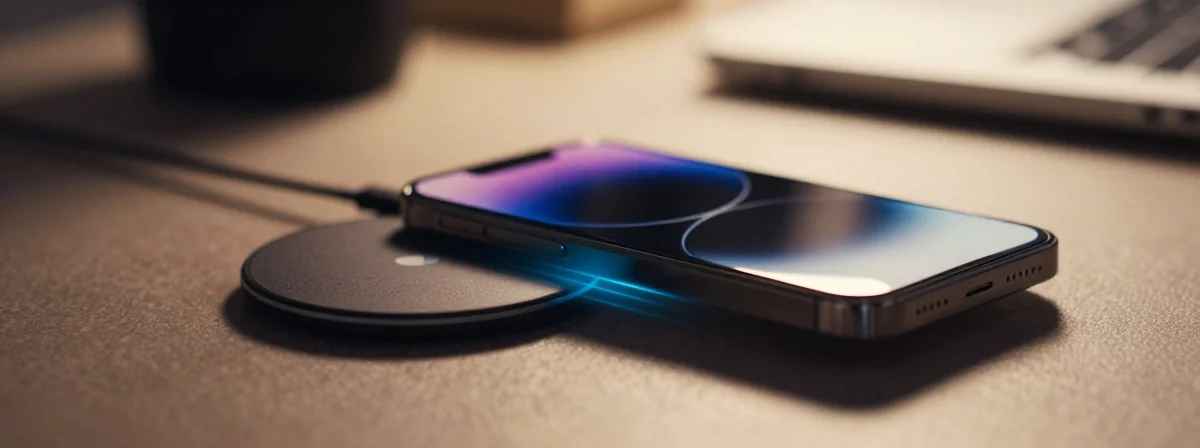
Ever placed your phone on a wireless charger, only to notice different behaviors, sounds, or animations depending on which charger you’re using? It’s not just your imagination. There’s a fascinating technological ecosystem at work beneath the sleek surfaces of our devices, one that’s far more complex than simply “plugging in without wires.” The way your phone interacts with different charging pads involves certificates, NFC communication, and even color recognition that most users never see.
Wireless charging has evolved dramatically since its early days, becoming an intricate dance of hardware and software that can optimize power delivery, identify compatible accessories, and even personalize your charging experience. This hidden complexity explains why your Anker charger might behave differently from your Ikea alternative, or why your phone displays unique animations when placed on certain charging surfaces.
Recent advancements in wireless charging technology have introduced features that seem almost magical but are actually the result of sophisticated engineering. From the specific requirements of Qi certification to the proprietary innovations of MagSafe, understanding these systems reveals a whole new appreciation for the technology we use daily.
How Do Wireless Chargers Know Which Device They’re Charging?
At the heart of wireless charging lies electromagnetic induction – a principle discovered in the 19th century that’s now powering our modern devices. When you place your phone on a charging pad, you’re initiating a carefully orchestrated exchange between two coils of wire: one in the charger and one in your device. But before power transfer begins, there’s a crucial identification process.
Modern wireless chargers, especially those following the Qi standard, engage in a brief “handshake” with compatible devices. This communication verifies compatibility and establishes optimal charging parameters. For Qi chargers version 1.3 and above, this verification includes checking for a unique X.509 certificate that authenticates the charger. Older versions (1.2 and below) might rely more on manufacturer identifiers, though finding Qi 1.2 chargers with standby support is increasingly rare.
This identification process explains why your phone might behave differently with various chargers – each certified device has its unique digital fingerprint that communicates specific capabilities to your phone.
Why Do Different Wireless Chargers Produce Different Sounds and Animations?
That distinctive sound your phone makes when you place it on certain wireless chargers isn’t just for show – it’s part of a sophisticated communication protocol. When your iPhone connects with a MagSafe charger, for instance, an NFC chip in the charger communicates a unique identifier to your device. This isn’t magic; it’s standardized technology that allows your phone to recognize and respond to specific accessories.
Apple’s MagSafe ecosystem takes this a step further. Not only does it read the charger’s unique identification number, but it can also detect accessories like their silicone cases. The fascinating trick where changing your case color updates your phone’s UI elements to match isn’t just clever design – it’s NFC technology at work, reading embedded information in the case and charger.
This explains why your Ikea charger might produce a different sound or display a unique animation compared to your Anker charger. Each manufacturer can program these responses to provide visual and auditory feedback about charging status, wattage, or compatibility.
What Makes MagSafe Chargers So Special?
MagSafe technology represents a significant evolution in wireless charging. Originally introduced by Apple as a magnetic charging solution for MacBook laptops, the concept was brilliantly repurposed for iPhones. The name itself is a nostalgic nod to the magnetic power adapters that prevented laptops from accidentally unplugging.
Unlike standard Qi chargers that rely solely on electromagnetic induction, MagSafe incorporates several innovations:
- Stronger magnets that align the phone perfectly on the charging surface
- NFC communication for device identification
- Temperature sensors for optimal power delivery
- The ability to detect and respond to accessories
This magnetic alignment not only makes charging more convenient but also enables higher power delivery (up to 15W and beyond) and the distinctive charging ring animation you might see on your screen. Interestingly, as noted in the discussion, chargers capable of delivering higher wattage often trigger different visual responses on your device, explaining why that seemingly basic Ikea charger might outperform more expensive alternatives in certain aspects.
How Does Standby Mode Work on iPhones When Charging?
The StandBy mode on recent iPhones transforms your device into a digital display when placed horizontally and charging. This feature, however, has specific conditions and behaviors that many users find confusing.
StandBy mode is specifically designed to work when your iPhone is charging and placed at its side – either horizontally or vertically. The phone detects its orientation and charging status to activate this special display mode. If you try to unlock your phone while it’s in StandBy mode, you’ll find it doesn’t work as you might expect with a normal screen – this is by design.
The different StandBy configurations you might observe with different chargers likely relate to how the phone detects the charging accessory and its orientation. The phone remembers preferred configurations for specific chargers, which is why you might see two clock faces with one charger but only one with another.
To keep your phone in StandBy mode while unlocked, you can simply unlock it first and then place it on the charger. Some users have also discovered settings that allow the phone to remain unlocked after a period of inactivity while charging, though this varies by iOS version.
What Practical Tips Should You Know About Wireless Charging?
Now that we’ve explored the technical marvels behind wireless charging, here are some practical insights to enhance your experience:
- Orientation matters: For optimal charging and StandBy mode activation, ensure your phone is properly aligned on the charging surface. Most modern chargers have alignment guides or indicators.
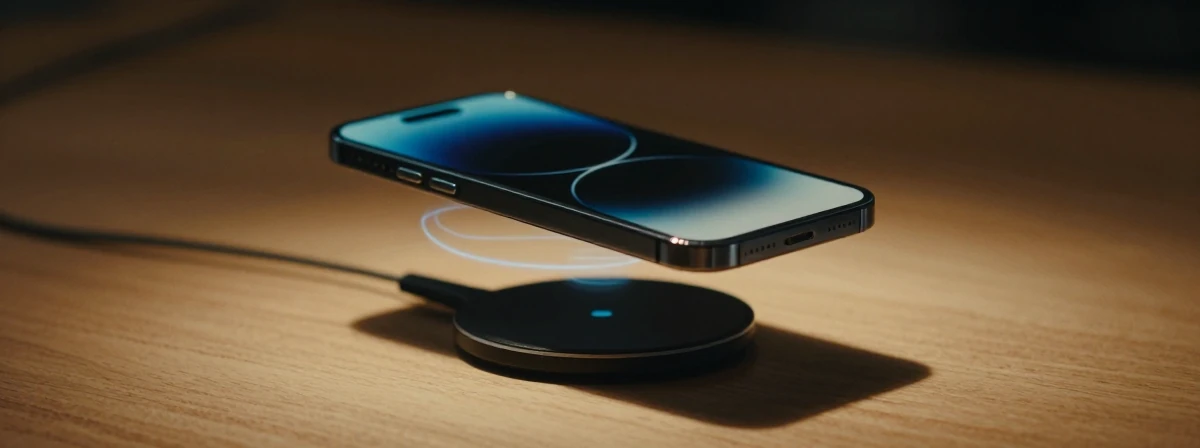
- Not all chargers are created equal: While any Qi-compatible charger can provide basic wireless charging, certified chargers (especially those with higher wattage support) may offer faster charging and additional features.
Case compatibility: Some phone cases, particularly thick ones or those with metal components, can interfere with wireless charging. Always check case compatibility if you experience charging issues.
Monitor temperature: Wireless charging generates more heat than wired charging. If your device feels excessively warm, try removing the case or using a different charger.
Understand your StandBy preferences: Experiment with different charger orientations to find your preferred StandBy display configuration. The phone remembers these preferences for future use.
The next time you place your phone on a wireless charger, take a moment to appreciate the complex technology at work. From electromagnetic induction to NFC communication and software integration, wireless charging represents a beautiful convergence of physics and engineering that has transformed how we power our devices.