
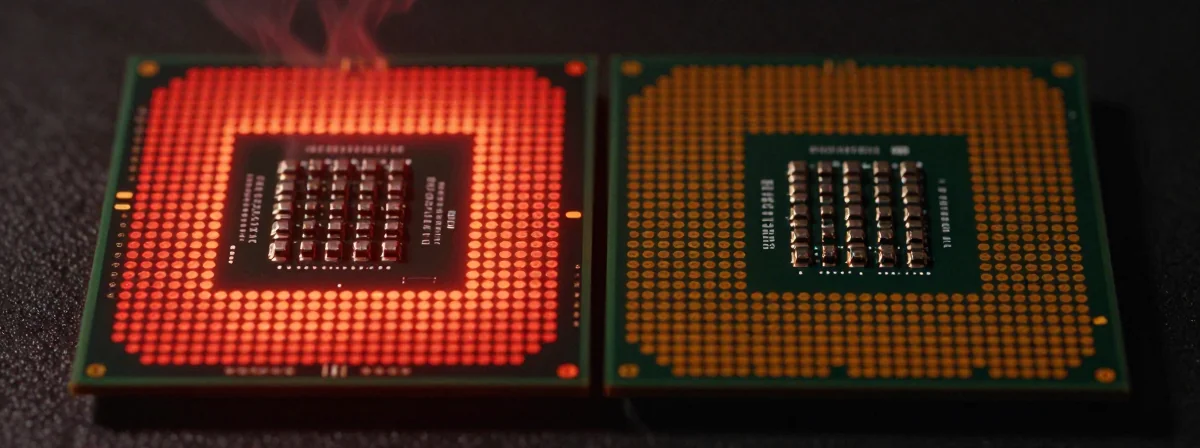
People keep asking me about those CPU usage spikes when gaming—like hitting 100% and seeing the red warning. Some say it’s normal, others blame the thermal paste. Here’s the thing nobody’s talking about…
The Vibe
SIDE A: THE HOTSPOT HEADACHE When your CPU hits 100% usage and the temps spike, it’s not always normal. Poorly spread thermal paste creates hotspots—certain areas of the CPU work harder than others, causing uneven heat distribution. I’ve seen this firsthand: a buddy’s rig would throttle under load because the paste wasn’t applied right. It’s a real issue, not just a scare tactic.
SIDE B: THE NORMAL HIGH USAGE Some systems just run hot. If your CPU stays stable even at 100% usage, it might be fine. My older machine used to hit high 80s under load, but it never crashed or throttled. The key is consistency—not the number itself. If everything runs smooth, maybe the red light’s just being dramatic.
THE REAL DIFFERENCE Here’s what most people miss: it’s not about the percentage, it’s about the thermal design and cooling. A well-cooled CPU can handle 100% usage without breaking a sweat. After years of using both high-end and budget systems, I’ve learned that thermal paste quality and heatsink contact matter way more than the usage number. A clean, proper application can fix what looks like a “problem” at first glance.
THE VERDICT From experience, if your system is unstable or throttling at high usage, fix the thermal paste and airflow. If it’s stable and you’re just seeing red lights, maybe ignore them. If you’re gaming or doing heavy work, go with proper cooling—don’t just accept high temps as “normal.” If you’re just browsing, who cares? Just make sure it doesn’t crash.
Anyway
Don’t let the red light scare you into thinking your CPU’s doomed. Check the temps, not just the usage. A little thermal paste goes a long way—sometimes literally. Fix the root cause, not the symptom. You’ll thank yourself later.