
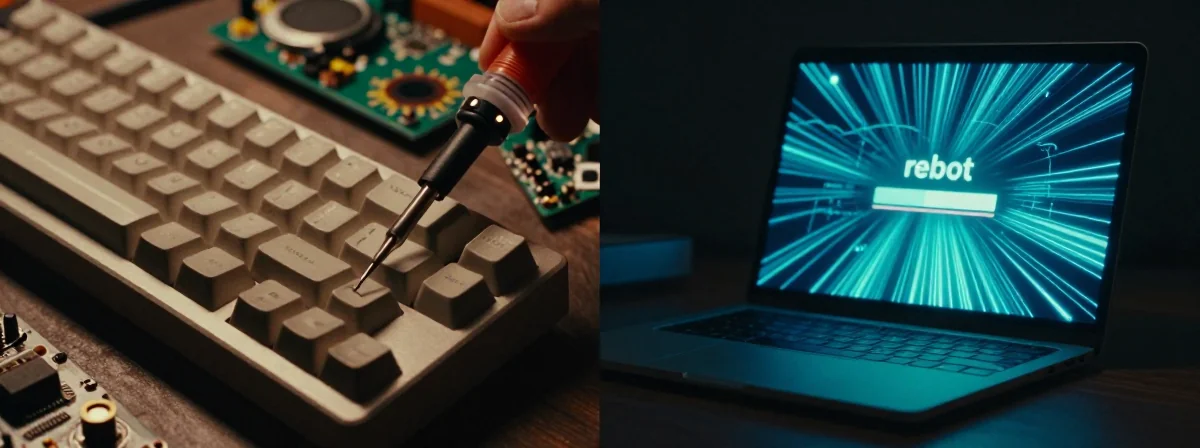
I’ve been staring at blinking lights and spinning platters since before Windows 95 was a glint in Bill Gates’ eye. These days, when a system chokes, the advice is always the same: restart, update, reinstall. It wasn’t always this way. Back in the day, we didn’t rely on code to save us; we relied on physics and patience. The difference between the two approaches is stark, and it tells you more about how we value our machines now than any spec sheet could.
Here’s the thing nobody’s talking about: the physical fix was about control, while the digital fix is about convenience.
The Real Deal
SIDE A The physical fix—like that advice to hold down a hard drive’s power button for a minute or two—is pure mechanical troubleshooting. It works because it forces the drive’s arm to park and the capacitors to discharge. It’s brute force, sure, but it bypasses the software glitches that often freeze us up. Then there’s the classic “reinsert the AOL CD” advice. It’s absurd now, but back then, a scratched disc meant a dead connection. We treated hardware as something tangible we could manipulate with our own hands, not just a box of plastic and silicon we were afraid to touch.
SIDE B The digital fix is the standard now: a hard reset, a fresh install of the OS, or a driver update. It’s cleaner, it’s precise, and it keeps the physical components safe. We don’t bang on our drives anymore because we know a bad move can turn a simple glitch into a data disaster. This method relies on the system’s intelligence to heal itself, which is efficient but feels distant. It’s like calling a doctor instead of setting your own bone—you get a professional result, but you lose that visceral connection to the machine.
THE REAL DIFFERENCE When you hold that power button on a spinning platter, you are asserting dominance over the machine. You’re forcing a reaction. With software, we’ve given that control away to the developers. We’ve traded the satisfaction of a hard reset for the ease of a reboot. The old way was messy and risky, but it made you feel like you actually understood what was happening under the hood. The new way is polished, but it often leaves us helpless when the automated fixes fail.
THE VERDICT If you’re dealing with a frozen mechanical drive that won’t spin down, go ahead and hold that power button. It’s a last resort, but sometimes it’s the only way to save your data. But for everything else? Don’t touch the hardware. Let the software do its job. From experience, messing with the physical internals of a modern SSD or flash drive can do more harm than good. Respect the machine, but let it manage itself.
From Experience
Don’t let nostalgia make you break a perfectly good modern drive. The old tricks saved our bacon in the 90s, but today, patience is the only tool you really need.