
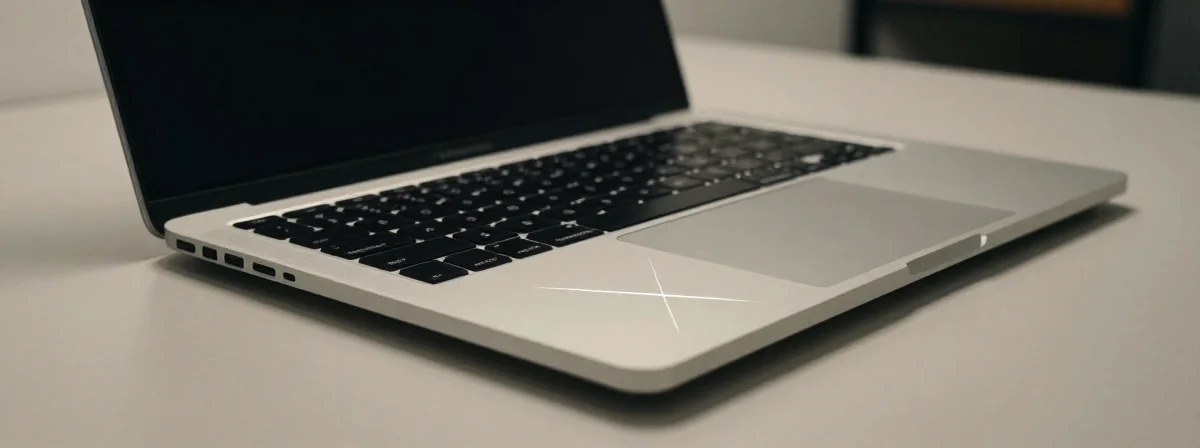
I’ve been doing this since the 80s, when “laptop” meant a bulky machine you could barely lift, and “screen” was just a fuzzy green monochrome display. Back when we had to treat our tech like fragile artifacts, because one wrong move could end it all. Fast forward to today, and we’ve got sleek, powerful machines like the MacBook—but the same old vulnerabilities remain. Case in point: those mysterious scratches that appear on screens that aren’t even touchscreens. What gives?
It’s not magic, and it’s not your fault—mostly. The truth is, screen damage is often a silent assassin, creeping up when you least expect it. Whether it’s paint splatters from a messy home project or a well-meaning wipe with the wrong cloth, the path to a scratched screen is paved with innocent mistakes. And the worst part? Most of us don’t even realize we’re doing it until it’s too late.
Here’s the real story behind those scratches, and why your non-touchscreen MacBook might be more vulnerable than you think.
Why Do Screens Scratch When They’re Not Touchscreens?
First off, let’s clear the air: just because your MacBook screen isn’t designed for touch doesn’t mean it’s invincible. In fact, the non-touch nature might make it even more prone to damage. Why? Because touchscreens are built with layers of protection—glossy coatings, reinforced glass, the works. Your MacBook’s screen? Not so much. It’s designed for clarity, not defense.
Think of it like this: early computers had screens that were practically bulletproof because they were so simple. But as we crammed more pixels and thinner designs into our devices, we sacrificed some of that ruggedness. Now, even a stray grain of sand or a slightly abrasive cloth can leave a mark. And once that mark is there, it’s like an open invitation for more damage.
The Hidden Culprits Behind Screen Scratches
You might assume scratches come from obvious things—like dropping your laptop or leaning on the screen. But the real villains are often invisible. Here’s what’s likely causing those scratches:
- Dust and debris: Even a tiny speck of sand can act like sandpaper when you wipe your screen.
- Improper cleaning tools: That microfiber cloth isn’t always your friend, especially if it’s picked up something rough.
- Chemical reactions: Paint splatters aren’t just messy—they can bond with the screen’s surface, making scratches worse when you try to wipe them.
- Pressure from cleaning: The painter’s wipe might have been gentle, but even light pressure on a dirty screen can cause microscopic scratches that grow over time.
I remember back in the day, we’d use anything from paper towels to old T-shirts to clean screens. Now we know better, but old habits die hard. The lesson? Assume nothing is safe until you’ve checked it.
The Biggest Mistake Everyone Makes When Cleaning Screens
Here’s the kicker: most people think they’re being careful when they clean their screens, but they’re actually making things worse. The biggest mistake? Using a wet cloth without knowing what’s in the water.
Water isn’t always just water. If it’s tap water, it could have minerals that scratch or stain your screen. If it’s distilled water, it’s safer—but still risky if you’re not gentle. And if you’ve got paint or another substance on the screen, water might just spread it around.
The painter in this case probably didn’t know any better—painters deal with rough stuff all day, and a quick wipe seems harmless. But screens are delicate. Even a cloth that feels soft to the touch can have hidden rough spots that act like a file on glass.
How to Fix Scratches (And When You Can’t)
Now for the good news: some scratches are fixable. Not all, but some. Here’s what you can try:
- Screen repair kits: These are like liquid glass that fills in shallow scratches. They work about 50% of the time, but it’s better than nothing.
- Polishing cloths: For very light scratches, a microfiber cloth (the right kind, mind you) can sometimes buff them out.
- Professional help: If the scratch is deep, you might need a pro. But be warned—screen replacements are expensive.
The truth is, once a scratch penetrates the outer layer, it’s hard to undo. That’s why prevention is key. But if you’re already in damage control mode, these steps might save you from a total loss.
The Future of Screen Protection (And Why It Matters Now)
We’re living in a golden age of tech, but we’re still wrestling with the same old problems. Scratch-resistant screens are coming, but they’re not here yet. In the meantime, we’ve got to treat our devices with the respect they deserve.
Back when we had to carry laptops in flimsy cases, every bump was a potential disaster. Today, we’ve got padded sleeves, screen protectors, and all sorts of gadgets. But the mindset hasn’t changed: be gentle, be aware, and don’t assume anything is safe.
The next time you reach for a cloth to wipe your screen, pause. Ask yourself: is this really the right move? Because the scratch mystery isn’t a mystery at all—it’s a reminder that our tech is only as safe as our habits.
And that’s a lesson worth remembering, whether you’re a tech veteran or just starting out. Because in the end, the only thing that keeps our devices looking great is us.