
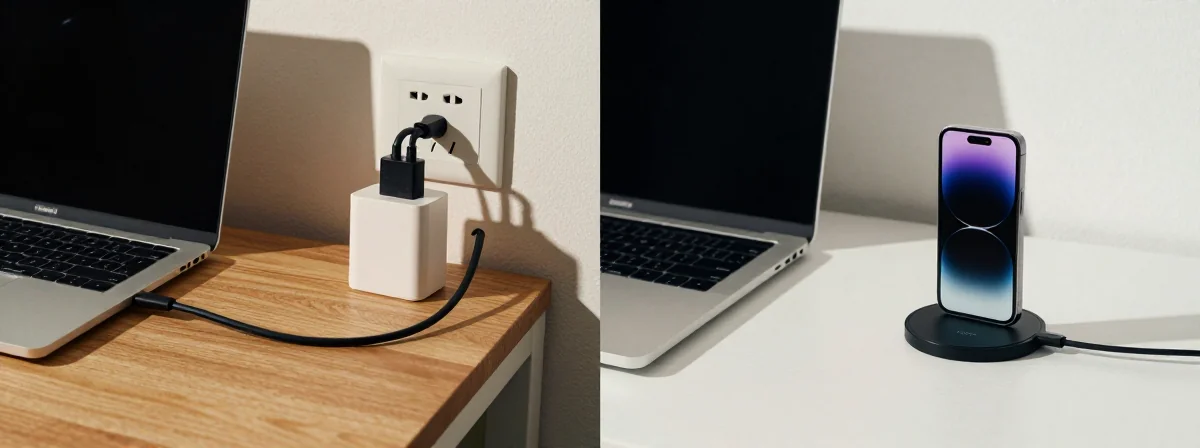
I’ve seen countless laptops meet their untimely end—some barely a year old, others swelling like a balloon about to burst. The stories are always the same: “I just plugged it in all the time,” or “I never knew you weren’t supposed to let it drain completely.” Here’s the thing nobody’s talking about—the real battle isn’t between brands, but between how we treat our devices and how long they’ll serve us back.
SIDE A: The Convenience Approach Plugging in your laptop constantly seems logical. Why drain the battery when you can keep it at 100%? It’s the path of least resistance—always ready to go, never worrying about running out of juice. Many modern laptops claim to bypass the battery once it’s fully charged, drawing power directly from the outlet. And for some, this works—especially if the laptop never gets too hot. The battery sits there, theoretically unbothered, while you work uninterrupted. It’s the approach that makes sense in the moment, the one that prioritizes immediate needs over long-term health.
SIDE B: The Careful Approach Then there’s the method of mindful charging—keeping the battery between 30% and 80%, avoiding extreme heat, and occasionally letting it drain to around 10%. This isn’t about being obsessive; it’s about respecting the battery’s nature. Lithium-ion batteries, like tired travelers, perform best when they’re not pushed to their absolute limits. Keeping them at 100% constantly, or letting them dip to 0%, stresses them out. Heat is their enemy—working heavy tasks while plugged in can push temperatures to dangerous highs, accelerating degradation. This approach requires awareness, but it’s the one that lets a battery last through multiple owners.
THE REAL DIFFERENCE Here’s what most people miss: the laptop’s settings and the user’s habits are only half the story. The other half is how the laptop is used. A machine left plugged in on a soft surface, or under heavy load, can reach temperatures that no charging habit can save. And many newer laptops, especially consumer models, lack the “cap at 80%” feature that would make constant charging safe. It’s not just about what you do—it’s about what the device allows and how it reacts to your environment. After years of using both extremes, I’ve learned that the battery’s fate isn’t just in your hands; it’s in the design of the machine and the conditions you subject it to.
THE VERDICT If you’re the kind of person who always has your laptop plugged in and rarely moves around, find a model with a battery charge limit setting—set it to 80% and forget it. If you’re someone who often works on the go or in places where heat is a concern, adopt the mindful approach: keep it cool, avoid extreme charges, and let it drain occasionally to recalibrate. From experience, the laptops that last longest are the ones whose owners understood that convenience and care aren’t mutually exclusive—they just require awareness. If you’re doing heavy work while plugged in, B’s the clear winner. If you’re mostly stationary, A can work—if the settings allow.
The practice of good battery care isn’t about rigid rules—it’s about balance. A little attention now can save you from the frustration of a swollen battery later. Think of it like tending a garden: you don’t have to watch it every second, but you do need to water it and pull the weeds when they appear. Your laptop’s battery is the same—it’s a partnership, not a dictatorship.