
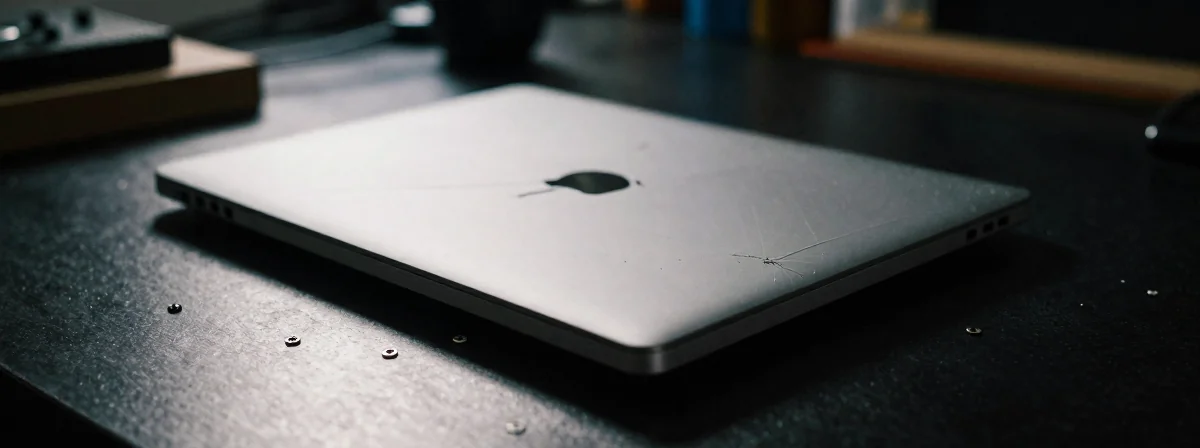
Buying a damaged laptop at a discount seems like a smart move until you realize what you’re actually getting into. The evidence suggests that what appears to be minor cosmetic damage often hides deeper issues that aren’t immediately visible. What we can verify is that the true condition of a damaged device rarely matches its initial appearance, especially when you’re dealing with business-class machines like HP ZBooks that have specific components worth protecting.
When you’re tempted by that “great deal” on a damaged laptop, you’re facing a critical decision point. This remains unconfirmed but the damage you can see is often just the tip of the iceberg. The real questions are about what’s hidden beneath the surface and whether the savings justify the potential risks.
HP ZBooks have earned a reputation for durability in professional environments, but even their robust construction doesn’t eliminate the need for thorough inspection. The evidence suggests these machines have specific weak points that damage can exacerbate, making a careful evaluation essential before committing to the purchase.
What Does That Visible Damage Actually Mean?
That corner with “negligible damage” might seem insignificant at first glance, but the implications go far beyond aesthetics. What we can verify is that even small physical impacts can compromise internal components in ways that aren’t immediately obvious. The evidence suggests that cosmetic damage often correlates with potential internal issues, especially in portable devices designed for frequent movement.
When examining visible damage, consider these possibilities:
- The impact might have shifted internal components
- Connections could have been jarred loose
- Structural integrity may have been compromised
- Heat dissipation pathways might now be obstructed
This remains unconfirmed but the damage you can see is often just the starting point for a cascade of potential problems. Even if you plan to ignore cosmetic issues with a simple sticker, what that damage represents about the device’s history deserves serious consideration.
The Battery: Your First Priority Check
Among all components, the battery deserves special attention when dealing with damaged laptops. The evidence suggests that physical trauma to a laptop often affects the battery more than any other component, and this presents unique safety concerns. What we can verify is that battery damage isn’t always immediately apparent but can lead to dangerous situations if ignored.
When inspecting the battery:
- Check for any signs of swelling or deformation
- Look for damage to the battery compartment
- Test battery performance under load if possible
- Note any unusual heat generation during operation
This remains unconfirmed but battery issues are often the most expensive component to replace, and damaged batteries can pose safety risks. If you do find battery issues, the good news is that replacement batteries are typically available and relatively straightforward to install, though they do add to your overall cost.
Quick Benchmarking: What You Need To Know
Testing the CPU and GPU performance provides concrete data about the laptop’s current condition. The evidence suggests that benchmarking reveals issues that visual inspection alone cannot detect, giving you objective measurements of the device’s capabilities. What we can verify is that performance testing under load will often expose weaknesses that aren’t apparent during casual use.
For effective benchmarking:
- Use standardized tests that stress both CPU and GPU
- Compare results against similar models
- Watch for unusual behavior during testing
- Note any thermal throttling or performance drops
This remains unconfirmed but performance testing often uncovers issues like:
- Loose internal connections
- Component degradation
- Thermal management problems
- Power delivery issues
The evidence suggests that even if the damage appears minor, performance testing can reveal whether the device has been subjected to conditions that might have affected its longevity.
Beyond The Obvious: Hidden Issues To Consider
What we can verify is that damaged laptops often come with issues beyond what meets the eye. The evidence suggests that the history of physical trauma can affect multiple systems in ways that aren’t immediately obvious but will impact your experience over time.
Consider these less obvious factors:
- Thermal paste may need replacement after physical impact
- Internal cable connections might have shifted
- The display hinge mechanism could be compromised
- The cooling system might have debris or damage
This remains unconfirmed but these subtle issues often become apparent only after extended use, potentially leaving you with a device that works initially but fails under more demanding conditions. The evidence suggests that a thorough inspection requires looking beyond the visible damage to consider how that damage might have affected the device’s overall integrity.
When Is That “Great Deal” Actually Worth It?
The discussion about whether damaged laptops represent good value ultimately comes down to what you can verify through inspection. The evidence suggests that some damaged devices offer excellent value when the issues are minor and isolated, while others represent false economies that will cost more in repairs than the savings justify.
To determine if the deal is truly great:
- Calculate the potential repair costs
- Assess the longevity of the device with its current issues
- Consider how the damage affects your specific use case
- Weigh the savings against the risks
This remains unconfirmed but the decision should be based on objective assessment rather than just the initial price difference. What we can verify is that some damaged laptops, particularly business-class models like ZBooks, can offer exceptional value when properly evaluated and the issues are manageable.
The Single Most Important Question To Ask Yourself
After examining all aspects of a damaged laptop, the evidence suggests that one question outweighs all others in importance. What we can verify is that the decision ultimately comes down to a single consideration that balances your needs against the device’s condition.
Ask yourself this: Can I verify that the damage is isolated and won’t affect my critical use cases?
This remains unconfirmed but this question cuts through all the technical details to address the core issue: whether the device will reliably serve your needs despite its history of damage. The evidence suggests that when you can confidently answer yes to this question, you’ve likely found a genuinely good deal rather than a potential money pit.