
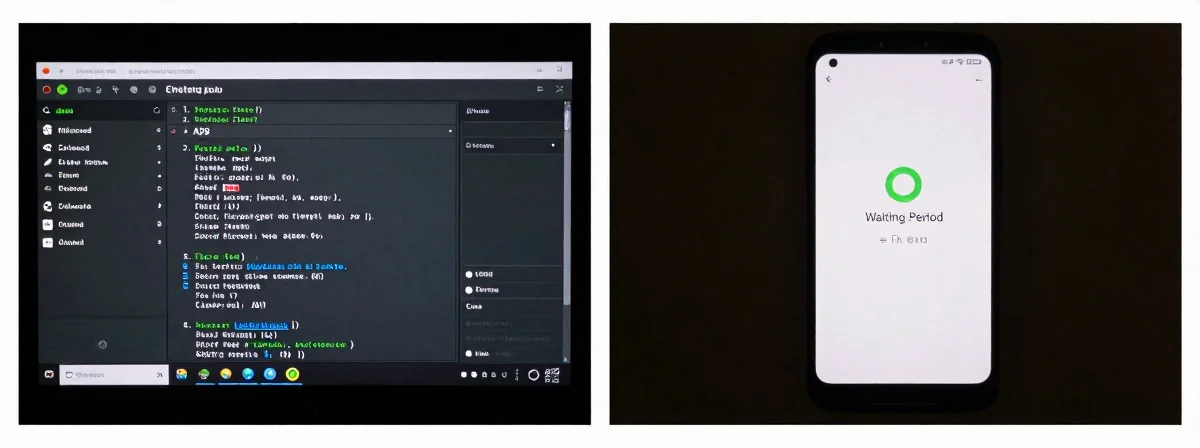
People keep asking me what the big deal is with Android’s new sideloading rules. Do I really need to wait a day just to install an app? Or can I just use ADB like a normal person? I’ve been messing with Android since the days when “root access” debates were still a thing, and let me tell you—this is one of those moments where the tech world feels like it’s boiling water, one degree at a time.
Here’s the thing nobody’s talking about—the real veterans already know how to work around this, but it’s the principle that stings. Let me break it down.
The Juice
SIDE A: THE WAITING PERIOD Google’s new rule is simple: you enable sideloading, you wait 24 hours before installing anything. After that first wait, you can keep sideloading forever—or at least for 7 days at a time. It’s meant to stop scammers from pressuring people into installing malicious apps. For the average user, it’s an extra step—but honestly? A one-time, 24-hour wait isn’t the end of the world. It’s the kind of friction that stops Grandma from accidentally installing spyware when someone on the phone tells her she needs to “update her banking app right now.” The system even lets you choose between “allow for 7 days” or “allow indefinitely” after that first wait. It’s not ideal, but it’s not the apocalypse either.
SIDE B: ADB INSTANTANEOUS INSTALLATION Then there’s ADB (Android Debug Bridge)—the secret weapon of power users. If you know how to use it, you can install apps via ADB right now, no waiting period required. This has been true since day one, and Google confirmed it again: ADB installs bypass the 24-hour wait. For anyone comfortable with the command line, this is like having a VIP pass to skip the line. You can sideload whatever you want—ReVanced, old versions of apps, F-Droid packages—without waiting. It’s the ultimate “screw your rules” button, and it’s been working just fine for years.
THE REAL DIFFERENCE Here’s what most people miss: this isn’t just about a 24-hour wait. It’s about the slippery slope of control. Android was always supposed to be a “computer in your pocket,” but features like this, along with disappearing headphone jacks and locked-down ecosystems, are chipping away at that promise. The waiting period is just the latest example of Google saying, “We know better than you.” And while ADB lets power users bypass it, the fact that we even need ADB to do what we want on our own devices is the real problem. It’s like having to use a backdoor because the front door keeps getting locked. The thing nobody talks about is that this change doesn’t actually stop sophisticated scammers—they’ll just sign their apps properly. All it does is make life harder for legitimate users while giving Google more control.
THE VERDICT From experience, here’s the deal: If you’re a casual user who just wants to install the occasional sideloaded app, the waiting period is annoying but manageable. You’ll wait once, then you’re good to go. But if you’re a power user who lives in the world of ADB, custom ROMs, and sideloading, this is just another notch in the “Google keeps making it harder” belt. If you’re doing casual sideloading, go with the waiting period—it’s not that bad. If you’re doing serious tinkering, ADB is still your best friend. Here’s my take: this is fine for now, but don’t get complacent. Every little restriction like this is another step toward a phone that doesn’t let you do what you want with it.
None
The waiting period is just the latest example of Google trying to herd users into their ecosystem. It’s not the worst thing ever, but it’s definitely part of a pattern. Keep your ADB skills sharp—because sooner or later, even that backdoor might start getting locked. Stay vigilant, stay informed, and remember: your phone is yours, and you shouldn’t need permission to use it how you want.