
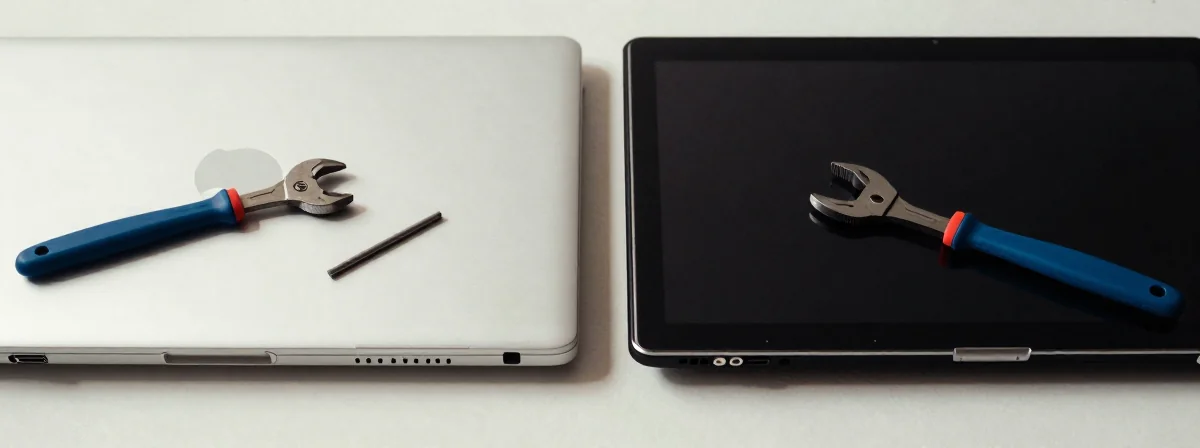
People keep asking me what’s actually harder to fix on a laptop—the lid or the bezel. It sounds simple, but the answer changes everything if you’re trying to DIY or choose a repair shop. Here’s the thing nobody’s talking about—the real drama behind these repairs.
So Here’s the Tea
SIDE A: THE LID (A Cover) Most folks assume the lid is the nightmare because it holds the display. And yeah, if the “A Cover” (that’s the fancy term for the lid cover) is cracked, you’re looking at a delicate operation. The trick is getting the old display out without shattering it—especially if it’s stuck with industrial-strength adhesive. But here’s the saving grace: many newer models have pull-tabs hidden under the adhesive, like Command Strip tabs. If you get lucky, it’s actually not as bad as it looks. Still, one wrong move and you’re looking at a full display replacement, not just a lid fix.
SIDE B: THE BEZEL Now, let’s talk about the bezel. This is where the real drama happens—and where most repair horror stories start. The bezel is that thin plastic frame around the screen, and it’s designed to be cheap to manufacture, not easy to remove. From years of field work on Lenovos and other brands, I can tell you: the bezel is the enemy. It’s often held in place with tiny clips that snap off the moment you try to pry it open. And the worst part? Most laptops that come in for repair already have a cracked bezel—because previous attempts to fix them broke it. It’s like a domino effect of destruction.
THE REAL DIFFERENCE Here’s what most people miss: the lid repair is about precision, but the bezel repair is about patience—and luck. If you’re dealing with a lid issue, you can often work methodically, using heat and pull-tabs to your advantage. But the bezel? It’s a gamble. Some brands (looking at you, certain ultrabooks) make the bezel so brittle that even a professional can’t save it without replacing the entire assembly. And forget DIY if the bezel’s involved—unless you’re ready to order a replacement part and accept that you might need two tries. The lid might break your heart, but the bezel will break your wallet.
THE VERDICT From experience, if your laptop is under warranty, don’t even think about it—send it back. But if you’re on your own, here’s the deal: go for the lid repair if you’re comfortable being delicate and have pull-tabs to help. But if the bezel is the problem? Run. Seriously. Unless you’re a pro or have a spare bezel lying around, you’re asking for trouble. If you’re doing basic fixes, stick to the lid. If you’re dealing with structural issues, B’s the clear winner—just make sure you’re ready to replace the whole thing.
Final Thoughts
Don’t let a cracked lid scare you off, but the moment you hear “bezel repair,” start budgeting for a new laptop. The difference isn’t just about skill—it’s about whether the part is even fixable without turning into a nightmare. Now go check your laptop’s bezel—because if it’s already cracked, you might be in for a surprise.