
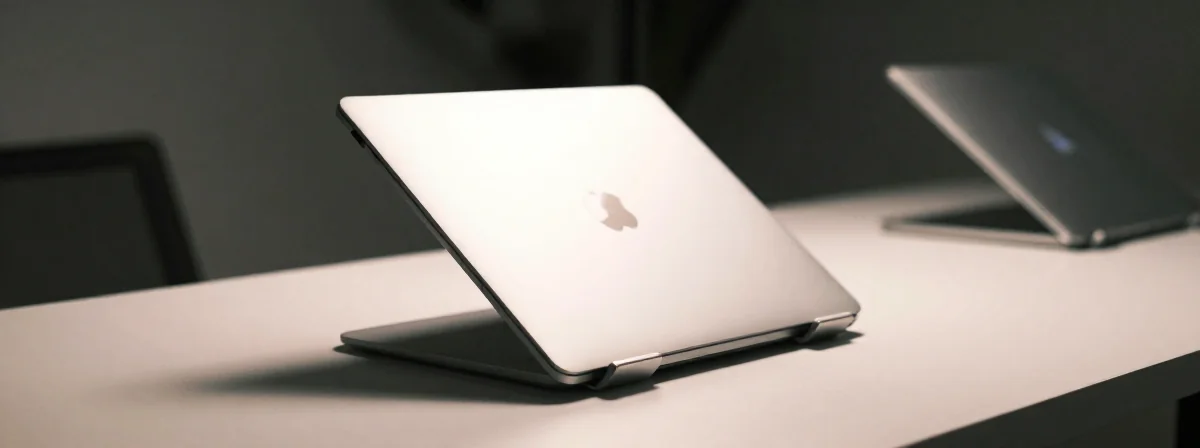
Ever wonder why your laptop stand feels like an afterthought in your workspace? Most stands are designed with one thing in mind: looks. But what happens when form trumps function? You end up with a pretty piece of plastic or metal that can’t hold its own weight—literally.
A good laptop stand isn’t just a prop; it’s a tool that elevates your workflow. But most people never stop to ask: Does this thing actually work? Or is it just another gadget collecting dust? The truth is, many stands fail silently, causing slippage, instability, and even back pain.
Take portable stands, for example. They’re supposed to be convenient, but how many times have you set one up, only to find your laptop wobbling like a toddler learning to walk? Or worse, sliding off while you type? These aren’t edge cases—they’re common frustrations that reveal deeper design flaws.
Can a Portable Stand Actually Support a 15.6-Inch Laptop?
The short answer: maybe. The long answer: it depends on the stand. Many portable stands are built for smaller laptops, assuming users won’t push their limits. But a 15.6-inch laptop is no lightweight. It demands a wider, more stable base. Without it, you’ll see bowing, slipping, or both.
Designers often skimp on stability to save space. After all, portability means sacrificing some robustness. But there’s a difference between clever design and outright compromise. A truly functional portable stand finds the sweet spot between slimness and support. Look for wider feet, non-slip materials, and a reinforced structure. If it feels flimsy in your hands, it will feel flimsy on your desk.
Why Magnets Are the Unsung Heroes of Laptop Stands
Who would’ve thought magnets could save your workspace? Yet, many high-performing stands use magnetic joints or grips to lock your laptop in place. Why? Because magnets add stability without adding bulk. They’re invisible yet indispensable.
A magnetic stand ensures your laptop stays put, even when you’re typing furiously or nudging the stand to adjust its angle. It’s the difference between a stand that “kind of works” and one that feels like an extension of your laptop. If your stand lacks magnets, consider it a red flag. It’s likely relying on friction alone—a weak foundation for productivity.
The Bowing Problem: When Form Trumps Function
Ever noticed how some stands bend under pressure? It’s not your imagination. Bowing is a common issue, especially with lightweight, portable designs. The culprit? Thin materials and poor engineering.
A stand that bows isn’t just annoying; it’s a productivity killer. Your laptop’s angle shifts, forcing you to crane your neck or hunch over. Over time, this leads to discomfort and fatigue. The fix? Look for stands made from thicker aluminum or reinforced polymers. They might be heavier, but they won’t let you down when you need them most.
Slipping While Typing: The Silent Productivity Killer
Here’s a dirty secret: many laptop stands can’t handle the friction of typing. Your laptop’s bottom surface is smooth, and without a non-slip mat or textured grip, it’s just a matter of time before it slides.
The worst part? You might not notice until it’s too late. A sudden nudge, a slight vibration, and suddenly your laptop is on the floor. The solution is simple but often overlooked: ensure your stand has a non-slip base and a textured top. These small details make all the difference between a stand that works and one that fails.
The Desk Stand vs. Portable Stand Debate: Why You Need Both
Designers often create separate stands for different environments—and for good reason. A desk stand prioritizes stability, while a portable stand prioritizes convenience. Trying to use a desk stand on the go is cumbersome; trying to use a portable stand at your desk is frustrating.
The key is recognizing when each is appropriate. For your desk, invest in a stand that feels permanent. For travel, accept that some compromises are inevitable. But never try to force one into the other’s role. It’s like using a hammer to screw in a nail—inelegant and inefficient.
What Design Experts Know About Laptop Stands That You Don’t
Designers don’t just slap metal and plastic together; they solve problems. A great laptop stand is the result of countless iterations, testing, and real-world feedback. But most of that process is invisible to buyers.
The biggest lesson? Stability isn’t optional—it’s non-negotiable. A stand that wobbles, bows, or slips isn’t just inconvenient; it’s actively harming your productivity. Design experts know this, which is why their stands feel so much better. They’ve eliminated the guesswork and focused on what matters: a stable, ergonomic solution.
The Single Idea That Changes Everything About Your Laptop Stand
Here it is: Your laptop stand isn’t just a stand—it’s the foundation of your workspace. Treat it with the same care you’d treat your chair or monitor. Don’t settle for flimsy designs or compromises. Look for stability, non-slip materials, and thoughtful details like magnets.
A great stand doesn’t just hold your laptop; it elevates your entire workflow. It’s the silent partner in your productivity, and it deserves your attention. Next time you’re shopping for a stand, ask yourself: Does this thing actually work? The answer might surprise you.