
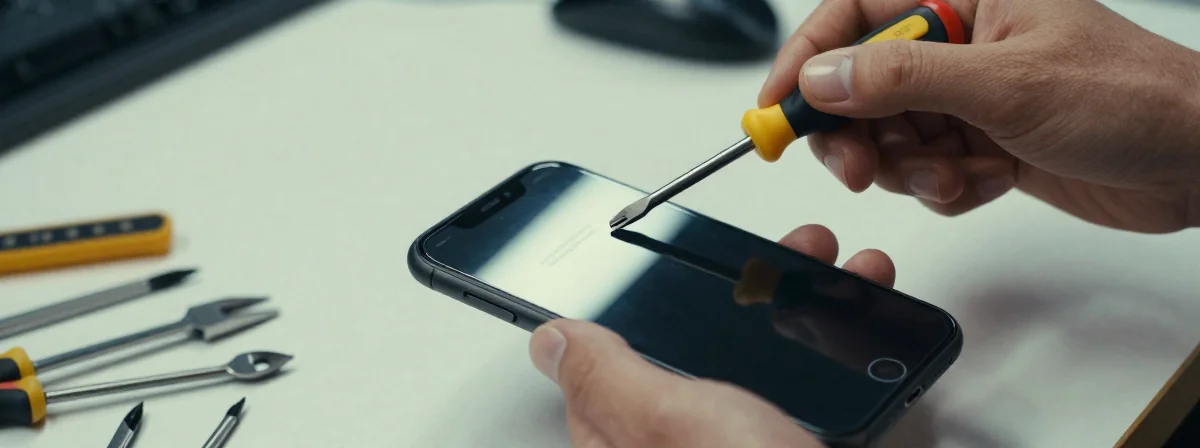
Have you ever walked into the Apple Store for a repair and felt a wave of uncertainty? Like you’re stepping into a process you don’t fully understand, with rules you’re only half-aware of. It’s like standing at the edge of a calm lake—beautiful, but with depths you can’t immediately see.
The journey of getting your iPhone repaired is a dance between preparation and trust. It’s a moment where small details can make a big difference, much like how a single pebble can ripple across still water. Understanding what to expect can turn this experience from anxious to effortless.
For instance, when you schedule a battery replacement, Apple technicians ask you to back up your phone and know your Apple ID password. But there’s one more step—removing your screen protector and turning off “Find My iPhone”—that often catches people off guard. Let’s explore why these steps matter and what else you should know.
Why Do They Ask You to Back Up Your Phone and Know Your Password?
Imagine your phone is a garden filled with flowers you’ve carefully tended. A backup is like taking a photograph of that garden before a storm. It ensures that even if something goes wrong during the repair, your digital world remains intact.
The Apple ID password is the key to that garden. Technicians need to ensure they can access your device if necessary, but interestingly, they don’t ask for your passcode. This subtle detail reveals a layer of security—they trust you to keep your passcode private, even as they work on your device. It’s a small act of mutual respect in a process that could otherwise feel invasive.
The Surprising Request: Turn Off “Find My” and Remove Your Screen Protector
When you arrive at the Apple Store, you might be asked to turn off “Find My iPhone” and remove your screen protector. These requests might seem arbitrary, but they serve practical purposes.
“Find My” can sometimes interfere with the repair process, much like how a locked gate prevents access to a path. Turning it off ensures technicians can work without unexpected roadblocks. As for the screen protector, it could interfere with diagnostic tools or even scratch during the repair. It’s a small sacrifice for a smooth process, like clearing debris from a stream to let water flow freely.
What Happens During the Repair—and Why It Takes Time
The repair itself is a quiet ritual. In the example shared, the battery replacement took about two hours. During this time, technicians work with precision, much like a potter shaping clay. They replace the battery, test the device, and ensure everything functions as it should.
What’s notable is that they don’t ask for your passcode. This detail highlights a trust-based system—Apple believes in your ability to keep your device secure while they handle the technical work. It’s a reminder that even in a world of technology, human trust remains a cornerstone.
What to Do While You Wait
Waiting for your repair can feel like watching a slow-motion wave. Instead of letting impatience build, use this time to practice mindfulness. Take a walk, sip tea, or simply observe your surroundings. The repair process is out of your hands, but your peace of mind is not.
Many find that this waiting period is an opportunity to reflect on their relationship with technology. Do you rely on your phone too much? Could you use this time to disconnect? These questions, like gentle ripples in water, can lead to deeper insights.
The Unexpected Detail: They Don’t Ask for Your Passcode
One of the most striking observations from the shared experience is that technicians didn’t ask for the phone’s passcode. This isn’t a oversight—it’s a deliberate act of trust. Apple’s system is designed so that technicians don’t need your passcode to perform most repairs.
This detail underscores a broader truth: true security comes from systems that respect your privacy, not just from locks and codes. It’s like a garden with gates that open easily for those who belong, yet remain closed to others.
How to Prepare for Your Next Repair
Preparing for an iPhone repair is like packing for a journey. Here’s what you can do:
- Back up your phone ahead of time.
- Know your Apple ID password.
- Be ready to turn off “Find My” and remove your screen protector.
- Trust the process—and yourself.
By taking these steps, you align yourself with the flow of the repair process, much like a boat that sails smoothly when it follows the current.
The Bigger Picture: Technology as a Reflection of Ourselves
At its core, the iPhone repair process mirrors our relationship with technology. We hand over our devices, filled with personal data, and trust others to handle them. This act of trust is both vulnerable and empowering.
When we prepare thoughtfully, we reclaim agency in a process that could otherwise feel passive. We become active participants, not just bystanders. This mindset—of preparation, trust, and mindfulness—can extend beyond repairs and into every interaction with technology.
Like a river that carves its path over time, our habits shape our experiences. By understanding the details of processes like iPhone repairs, we navigate them with greater ease and awareness. And in doing so, we find that even in the most technical of tasks, there’s room for calm and clarity.