
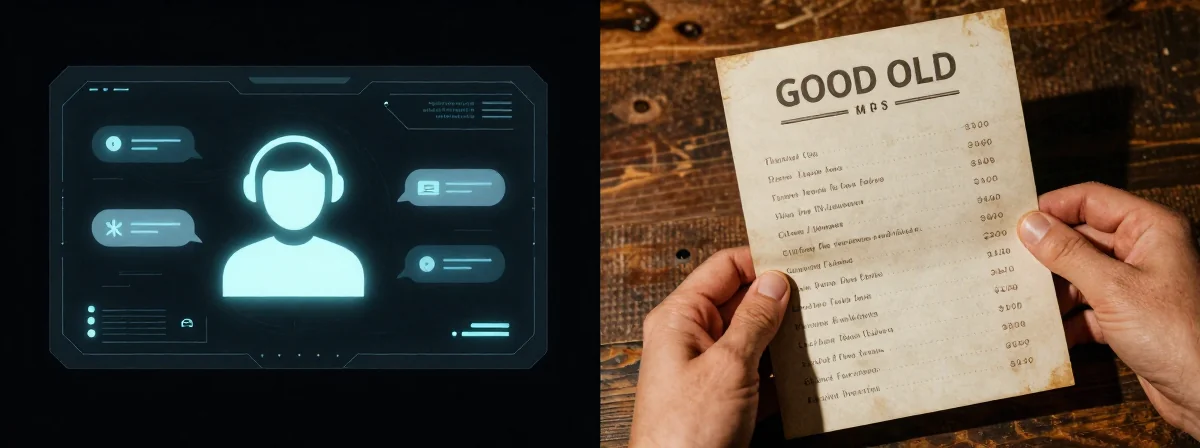
I’ve been doing this since the days when customer service meant a real person on the other end—or at least a phone tree that made sense. Now? People keep asking me what’s worse: the AI chatbot pretending to be human or the clunky menus we used to navigate. Here’s the thing nobody’s talking about—the real battle isn’t between tech and tradition, but between efficiency and frustration.
What I’ve Learned
SIDE A: THE AI AGENT Back when we had to dial up BBS systems with 300 baud modems, we’d settle for anything that answered. Today’s AI customer service is a far cry from that—sometimes it is the answer, but often it’s just slow, scripted, and infuriating. I’ve seen these things explain they’re “definitely not AI” right before stalling out. They can handle simple queries, sure, but when you need something specific, you’re stuck in a conversational loop that feels like talking to a particularly dense VCR. The worst part? You can’t just press * to skip—it’s designed to keep you engaged, even when engagement is the problem.
SIDE B: THE MENU SYSTEM Remember the days of pressing 1 for billing, 2 for tech support? It wasn’t glamorous, but it worked. You knew where you stood. Some folks still swear by it—spamming 0 to get a human, or just navigating the labyrinth until they find what they need. It’s predictable, even if it’s not pretty. And let’s be honest, sometimes a series of menus is exactly what you want. No small talk, no pretending—just get me to the option I need. It’s like the difference between a command-line interface and a bloated GUI: one gets the job done, the other tries too hard.
THE REAL DIFFERENCE Here’s what most people miss: the AI isn’t slow because it’s “learning”—it’s slow because it’s designed to collect data, not solve problems. I’ve seen these systems default to 0000 or 1234 for security questions, just like old SIM cards, because the priority isn’t security, it’s convenience for the company. The menu system, meanwhile, is just a tool. It doesn’t care about your browsing history or what you said last time—it just routes you. After years of using both, I can tell you: the AI feels like a sales pitch wrapped in a support ticket, while the menu is just a tool. The frustration with the AI isn’t that it’s bad at its job—it’s that its job isn’t really yours.
THE VERDICT From experience, if you’re dealing with simple, repeatable issues, the AI might save you a few clicks. But if you need something real—like actually talking to a human or getting a complex problem solved—stick with the menus. If you’re doing routine checks, go with the AI. If you’re doing anything critical, B’s the clear winner. The automatic locks and 2FA they keep shoving down our throats? That’s just more noise. Sometimes you just want to press a button and get it done.
The Mac Verdict
Don’t let the shiny interface fool you. The AI might seem futuristic, but when it comes to customer service, the human touch—or at least the option to bypass the fluff—is still the gold standard. If you value your time and sanity, learn the shortcuts, ignore the small talk, and remember: the simplest solution is often the one that’s been around the longest. Now go make that call—and don’t take “I’m not an AI” for an answer.