
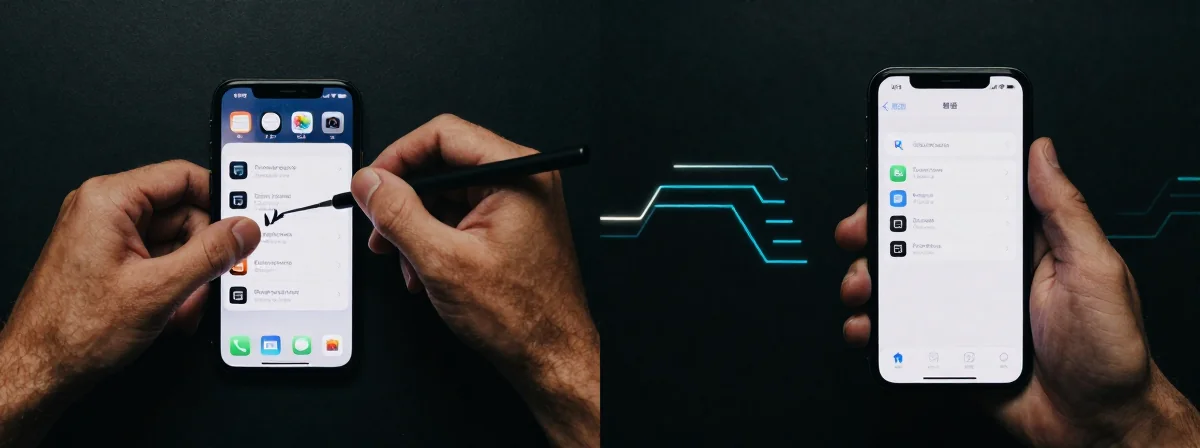
People keep asking me how to clear app cache on their iPhones without deleting everything. The answer is messy—some methods work, some don’t, and it all depends on the app. Here’s the thing nobody’s talking about: Apple’s system leaves most of the control to developers, and that’s where the real frustration begins.
The Bigger Picture
SIDE A: MANUAL WORKAROUNDS
For apps like YouTube, you can delete downloads twice in the background settings to free up space. Some apps let you offload and reinstall them without losing data—a tedious process involving restarting your phone and navigating deep into Settings. This method clears cache but keeps your logins and settings intact. It’s a workaround, not a solution, and it only works if the app stores cache in a way Apple’s system can handle. Think of it as picking up scattered pieces of a puzzle—messy, but sometimes it fits.
SIDE B: DEVELOPER-DEPENDENT CLEANUP
Most apps rely on their own settings or force-quitting to clear temporary data. Games like Resident Evil or Hitman store massive files in “documents and data,” which Apple counts as cache. Developers should offer a cleanup option, but many don’t. If an app doesn’t provide one, you’re stuck—your only choice is to delete and reinstall, losing all progress. It’s like trying to clean a garage where the owner hid the trash can.
THE REAL DIFFERENCE
After years of using both approaches, I’ve learned the hard way: the real issue isn’t Apple’s lack of a universal cache-clear button. It’s that developers treat cache like a black box—some store it in ways Apple can’t touch, others leave it to rot. The thing nobody talks about is that apps like streaming services let you manage cache because they need to, while others don’t care. Your phone’s storage is a battlefield, and the developers hold the weapons.
THE VERDICT
If you’re dealing with a lightweight app or one that offers cache management (like YouTube or streaming apps), stick with manual methods. But if you’re fighting gigabytes of game data or stubborn apps, you’re better off with the nuclear option: delete and reinstall. From experience, the only reliable way to reclaim space is to force the issue—Apple’s hands are tied, and so are yours.
The Truth Is Beautiful
The truth is, managing iPhone cache is a dance with two unreliable partners: Apple and the developers. If you’re tired of 40GB of cache taking over your storage, stop chasing workarounds and start picking your apps wisely. The best defense is choosing apps that respect your storage—because when it comes to cache, you’re only as good as the tools you’re given.