
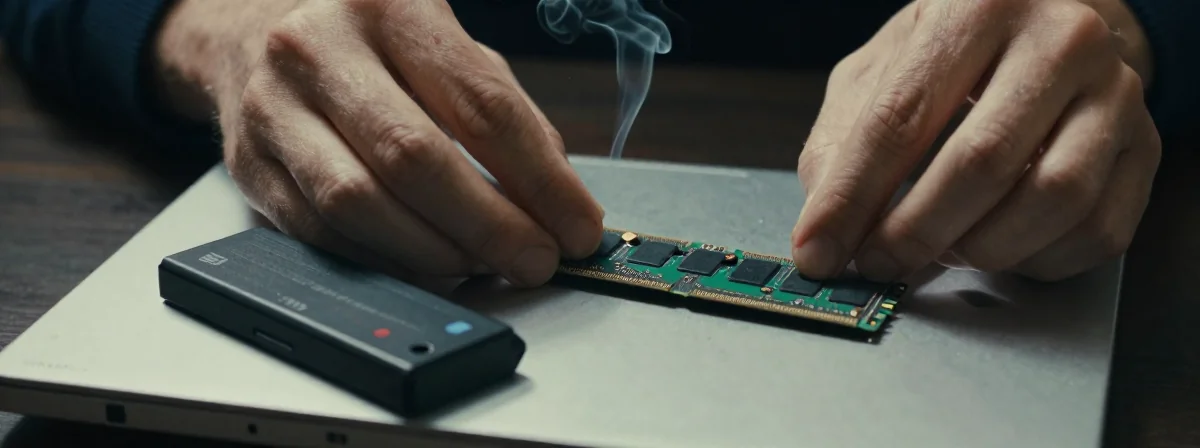
People keep asking me how to upgrade their laptops without frying the motherboard. I’ve spent years pulling apart machines—some of them twice because the owner didn’t follow one crucial step. Here’s the thing nobody’s talking about—the battery isn’t just a power source, it’s a ticking time bomb if you ignore it.
This Can’t Be Ignored
SIDE A: The “It’s Fine, Just Do It” Approach Some technicians swear by the quick install—just slide in the RAM without touching the battery. It saves time, and for most casual users, nothing happens. They’re right that the odds of a short circuit are low. I’ve seen dozens of upgrades done this way, and only once did it cause real damage. It’s tempting—why bother with extra steps when you’re in a hurry?
SIDE B: The “Play It Safe” Method Then there’s the meticulous approach: unscrew the battery, remove it completely, then install the RAM. This takes longer but eliminates any risk. The battery connects via pins to the motherboard—no cord, just direct contact. I’ve seen batteries shift during RAM installation, creating momentary shorts that corrupt data or worse. The extra five minutes to disconnect it feels like insurance against disaster.
THE REAL DIFFERENCE Here’s what most people miss: modern laptops cram components so tightly that the RAM installation process can physically shift the battery. I’ve seen batteries with loose brackets that pop loose during insertion. The thing nobody talks about is how the static electricity from your hands can travel through the RAM sticks and into the exposed battery contacts. After years of using both methods, I’ve learned that the risk isn’t just about short circuits—it’s about physical displacement during the delicate insertion process.
THE VERDICT From experience, if you’re doing a quick RAM upgrade for temporary use, you might get away with ignoring the battery. But if this is a permanent upgrade or you’re working with sensitive data, disconnect that battery. Here’s my take: casual users who don’t mind risking a reinstallation might skip it, but anyone who values their hardware should always remove the battery first. After using both for years, the extra step is always worth it.
The Verdict Is In
The battery isn’t just another component—it’s the single point that can turn a simple upgrade into a motherboard replacement. Don’t let the “it’s probably fine” crowd convince you otherwise. When you’re working inside a machine, respect every connection. That five-minute extra step could save you hours of regret. Trust the process, not the侥幸.